
For weddings
A disposable camera for every wedding guest
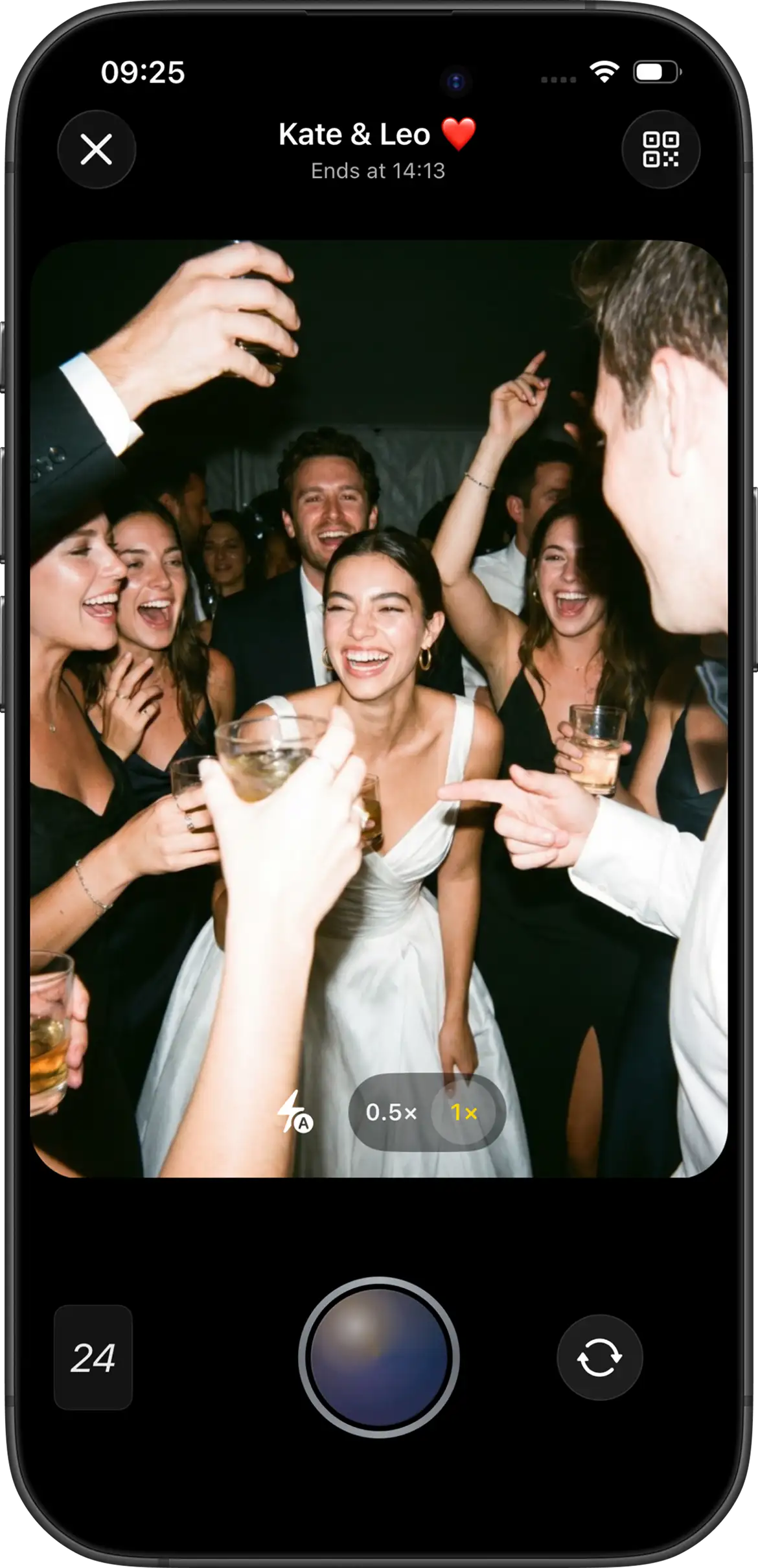
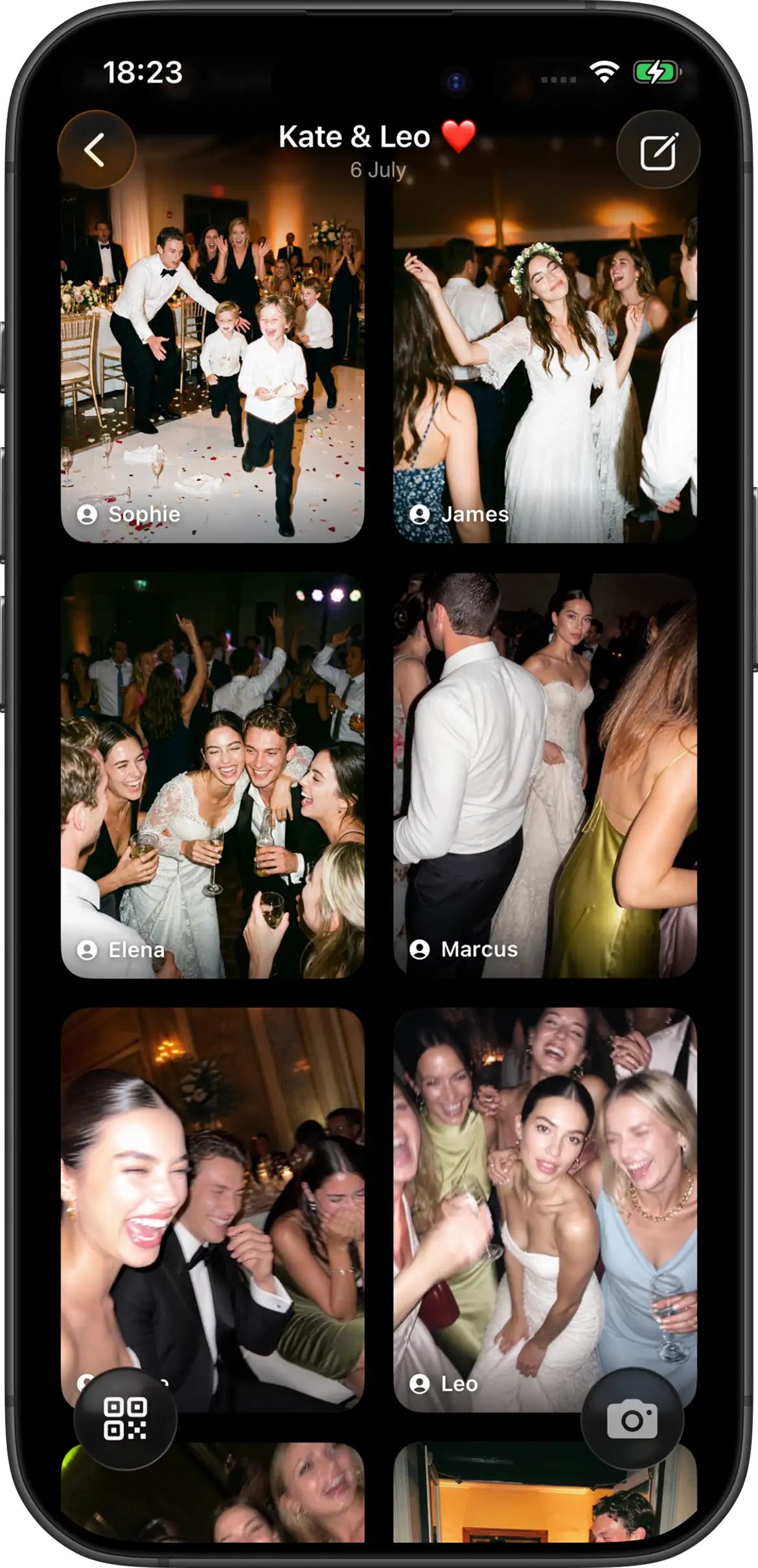
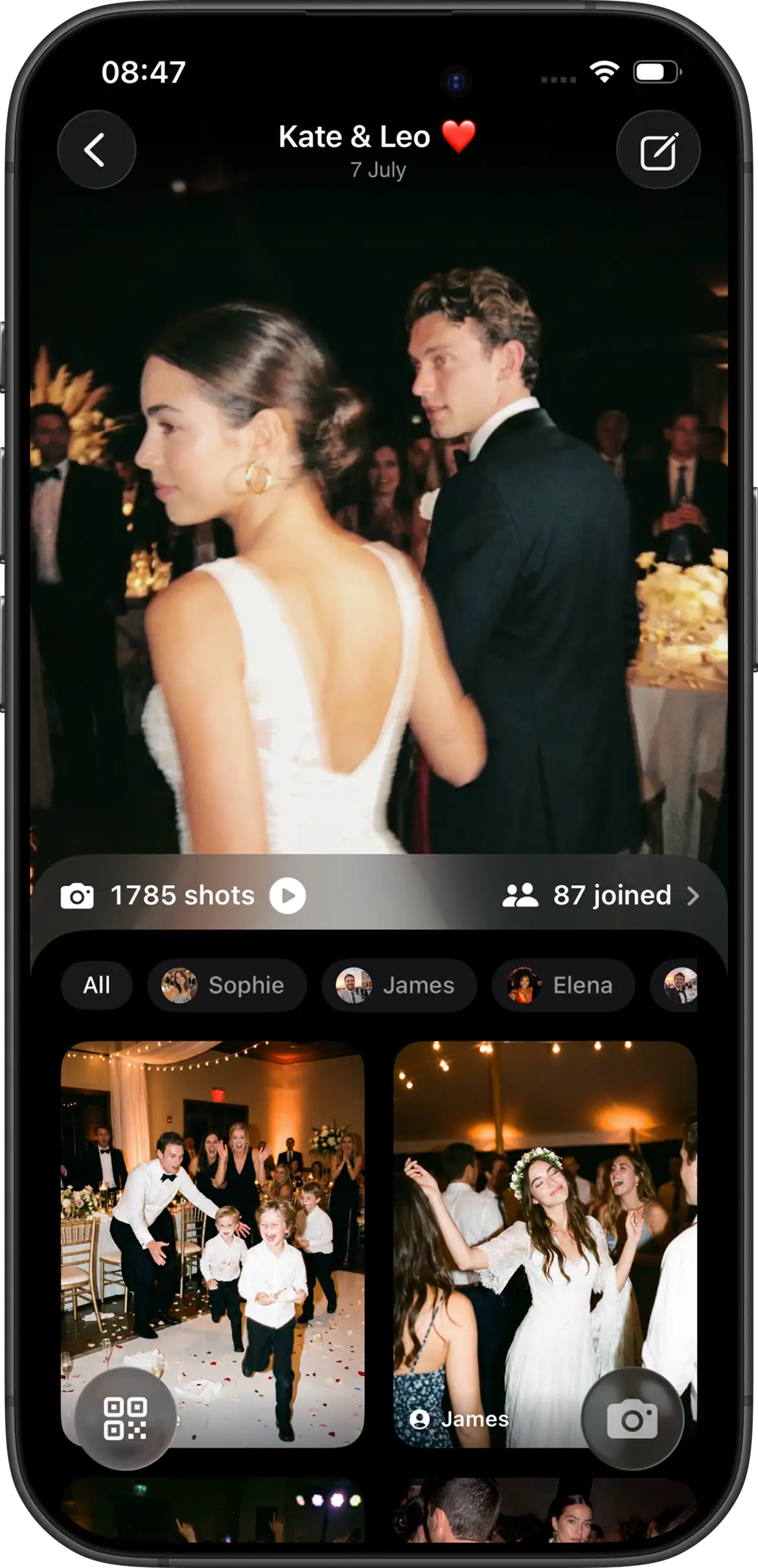
Your photographer captures the ceremony. Your guests capture everything else — the toast reactions, the cousin who won’t leave the dance floor, the quiet moments between speeches. Join Camera turns every phone into a shared disposable camera: limited shots, one gallery, revealed together when you choose.
Why couples use a digital disposable camera
Physical disposable cameras on wedding tables look charming — until half go missing, film costs add up, and you wait weeks for blurry rolls you can’t preview. Hashtags scatter photos across Instagram. Group chats compress images into mush.
A disposable camera app keeps the ritual people love (scarcity, surprise, everyone’s POV) without the logistics. Guests shoot into one event. You decide when the roll “develops.” Everyone gets the candid story of the day.
What makes Join Camera different
Limited shots
Hosts set how many photos each guest can take. Scarcity encourages thoughtful shots — the same reason table disposables worked — instead of a flood of near-identical selfies.
Revealed together
Lock the gallery until after dinner, midnight, or the next morning. Guests stay present. Opening the album becomes its own moment — brunch on the couch, or a hotel lobby the next day.
Guest join without friction
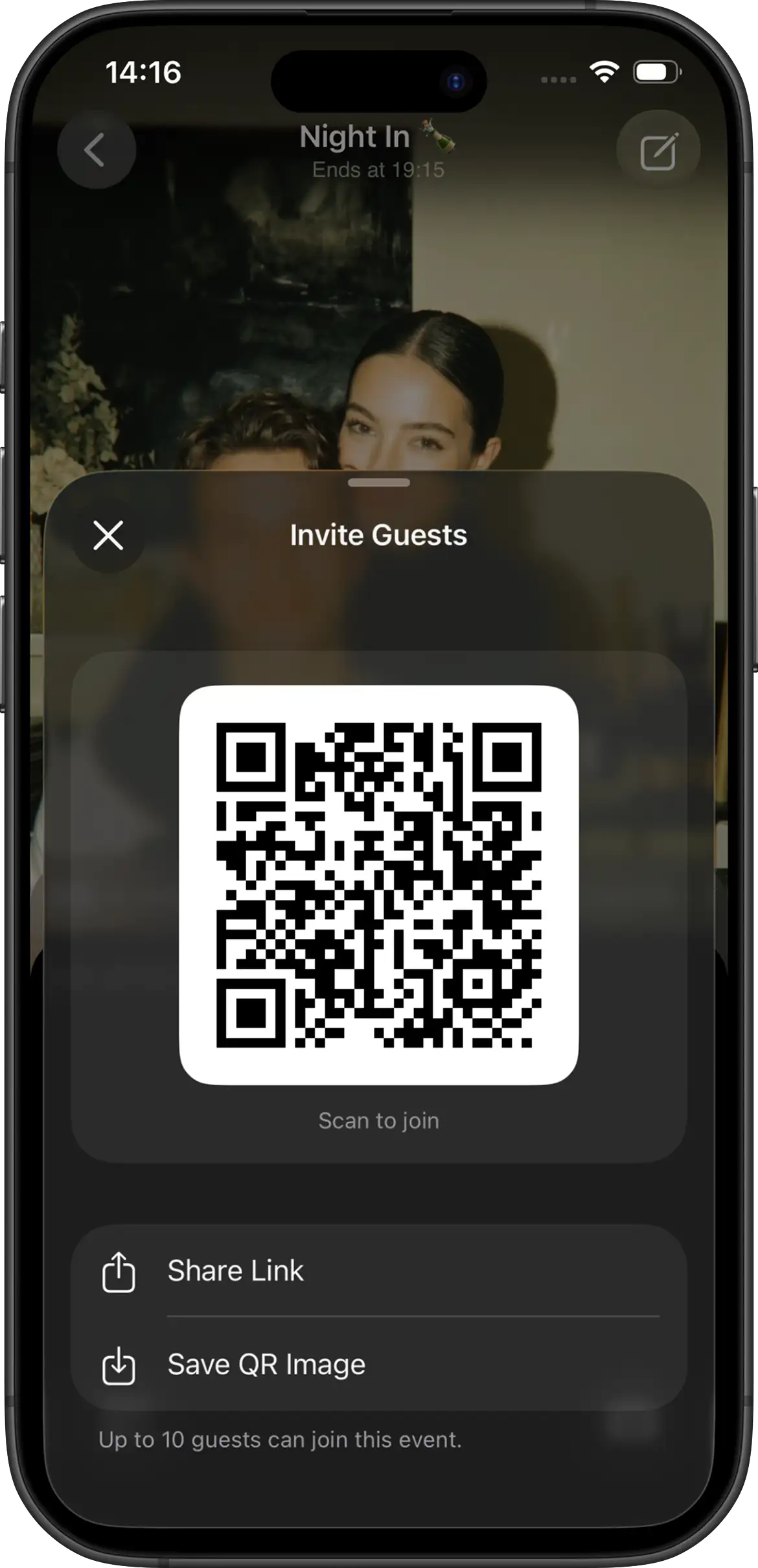
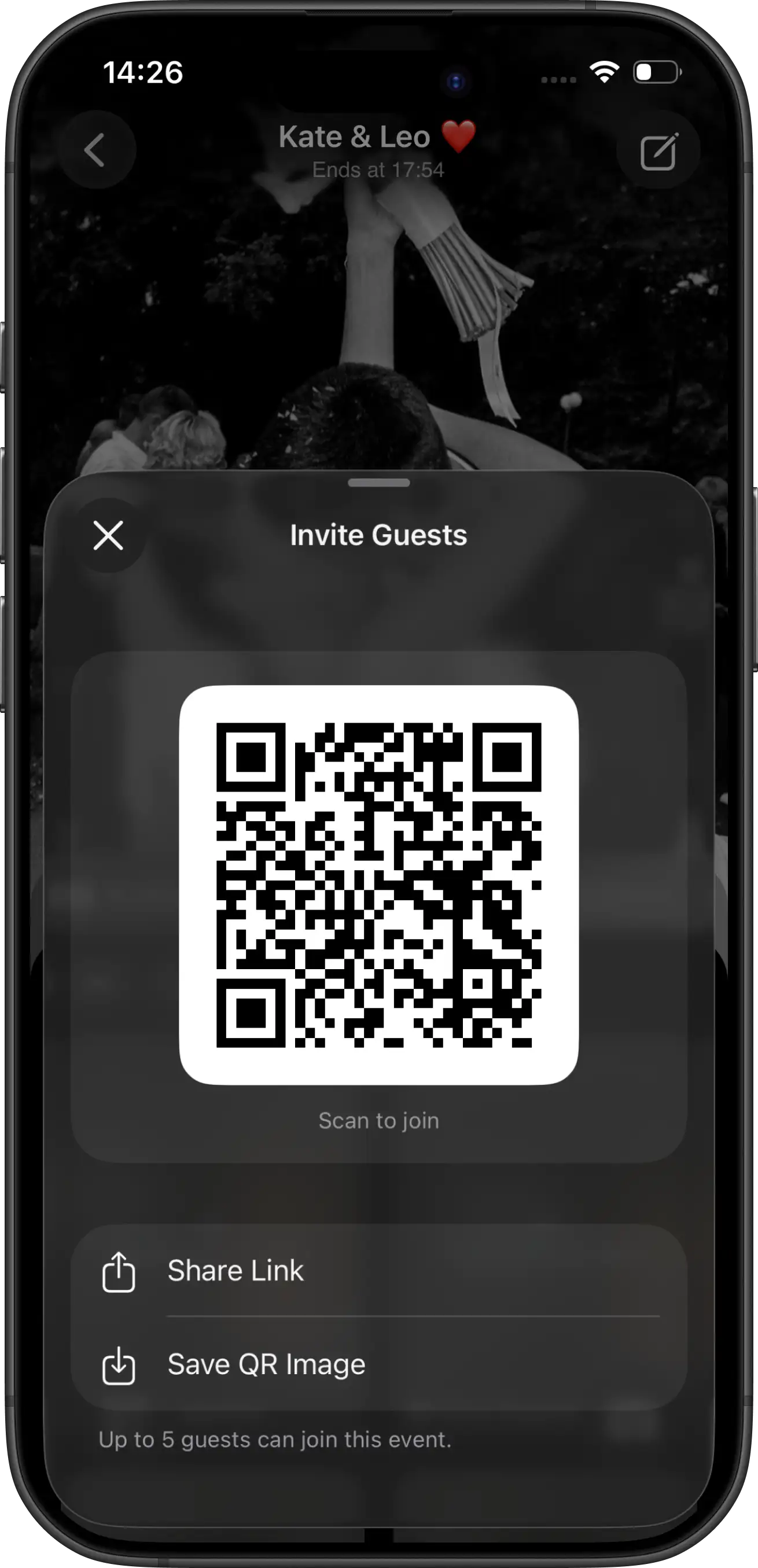
Share a link or QR code. On iPhone, guests can open an App Clip to join and shoot without hunting for the app in the Store first. On Android, guests join from the same invite in the Join Camera app.
How to set it up for your wedding
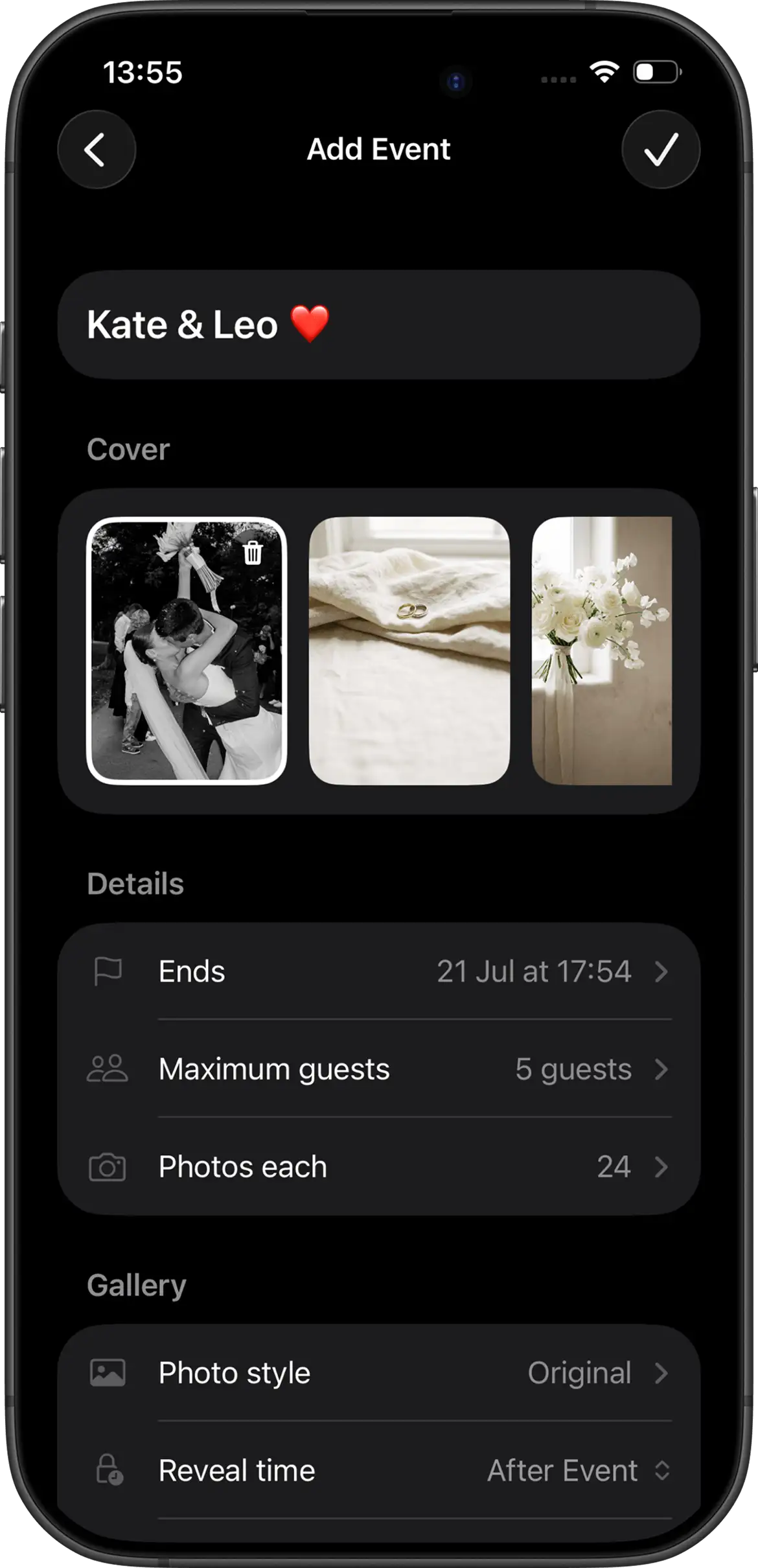
- Create your event— Name it (e.g. “Alex & Sam · June 2026”), set guest limits, photo limits, and when photos unlock.
- Test before the weekend — Send the invite to two friends. Confirm join flow, camera, and that your reveal time is what you expect.
- Print the QR — Table cards, welcome sign, or a small card at check-in. Visibility beats perfection.
- Tell guests once — During speeches or via your wedding website: “Scan the code, take your shots, we’ll all see them after the big day.”
- Enjoy the reveal — When the gallery unlocks, share the link once. No chasing people for Dropbox folders.
Sign & table card wording ideas
- “Scan to take your shots. Surprise gallery reveal tomorrow morning.”
- “Be our disposable cameras. Limited shots. Photos unlock together.”
- “Capture your POV of our day. One scan. No full app install on iOS App Clip.”
- “Help us remember what we miss. Scan · shoot · wait for the reveal.”
Digital vs physical disposable cameras
| Physical disposables | Join Camera | |
|---|---|---|
| Cost at scale | Cameras + film + developing | One shared digital event |
| Lost cameras | Common | Nothing physical to lose |
| Turnaround | Days to weeks | Unlock when you set reveal |
| Shot limits | Per camera roll | Per guest, set by host |
| Sharing after | Scan & upload yourself | One shared gallery |
Create your wedding event


Questions? Contact us.
Frequently asked questions
Do wedding guests need to download an app?
On iPhone, guests can join with an App Clip — a lightweight experience that opens from your invite link or QR code without installing the full app from the App Store. On Android, guests join from the same QR code or invite link in the Join Camera app. Guests can always take shots without creating or signing into an account.
Can we hide photos until after the reception?
Yes. Hosts set reveal timing when creating the event. Guests take photos throughout the day, then the gallery unlocks together at the time you choose — like developing a roll of film.
How many photos can each guest take?
You control photo limits per guest. A limited shot count keeps the gallery intentional and mirrors the scarcity of a physical disposable camera on each table.
Does this replace our wedding photographer?
No. Join Camera captures guest perspectives — table moments, dance-floor chaos, quiet reactions — that a professional photographer often misses. Use it alongside your photographer, not instead of them.
Where should we put the QR code at the wedding?
Place printed QR codes at the entrance, on reception tables, near the guest book, and by the bar. Guests notice them when they arrive and when they’re seated — that’s when participation jumps.
What should our table cards say?
Keep it short. Examples: “Scan to take your shots — surprise reveal tomorrow morning.” Or: “Capture your POV. Limited shots. Photos unlock together after the wedding.”
Is the gallery private?
Events are controlled by the host. You set who can join, guest limits, and when photos become visible. Guests participate under the settings you choose for that event.
When should we create the event?
Create it days or weeks before the wedding so you can print QR cards and test the invite with a few friends. Your event settings (limits and reveal time) are ready before guests arrive.
Wedding guides
Practical setup and participation guides from the Join Camera blog.
Also see disposable camera apps for events, or compare Join Camera vs Once.film.