
Wedding photo guide
Wedding QR code photo sharing: a practical guide
A wedding photo QR code sounds simple: print a code, let guests scan it, and collect their pictures. But whether that idea actually works depends on what the QR code is inviting people into. If the code leads to a confusing upload task, most guests will ignore it or promise themselves they will come back later. If the code opens a shared camera experience in the moment, participation rises because the action happens while the wedding is still alive.
That is why QR photo sharing works best when it is treated as the onboarding step to one shared event camera, not as decoration on a sign. The code is not the feature. The experience behind the code is the feature.
This guide covers how wedding QR photo sharing works, where to place the code, what the sign should say, when to use delayed reveal, and how to avoid the most common setup mistakes before you print anything.
How a wedding photo QR code actually works
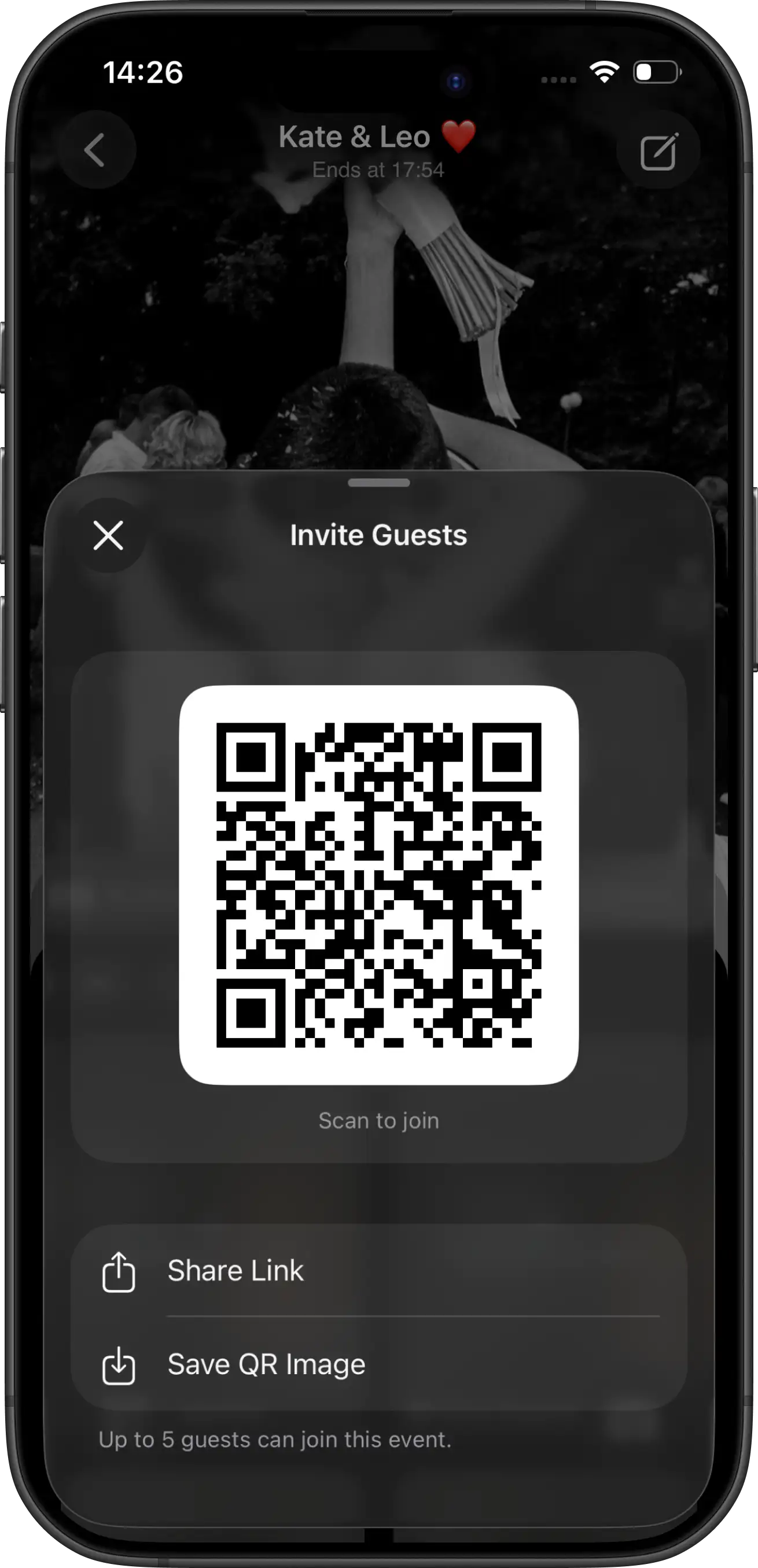
At the most basic level, the host creates one event and gets a QR invitation plus a shareable link. Guests scan the code and join that event. Their photos then go to one shared gallery instead of scattering across texts, camera rolls, and different albums.
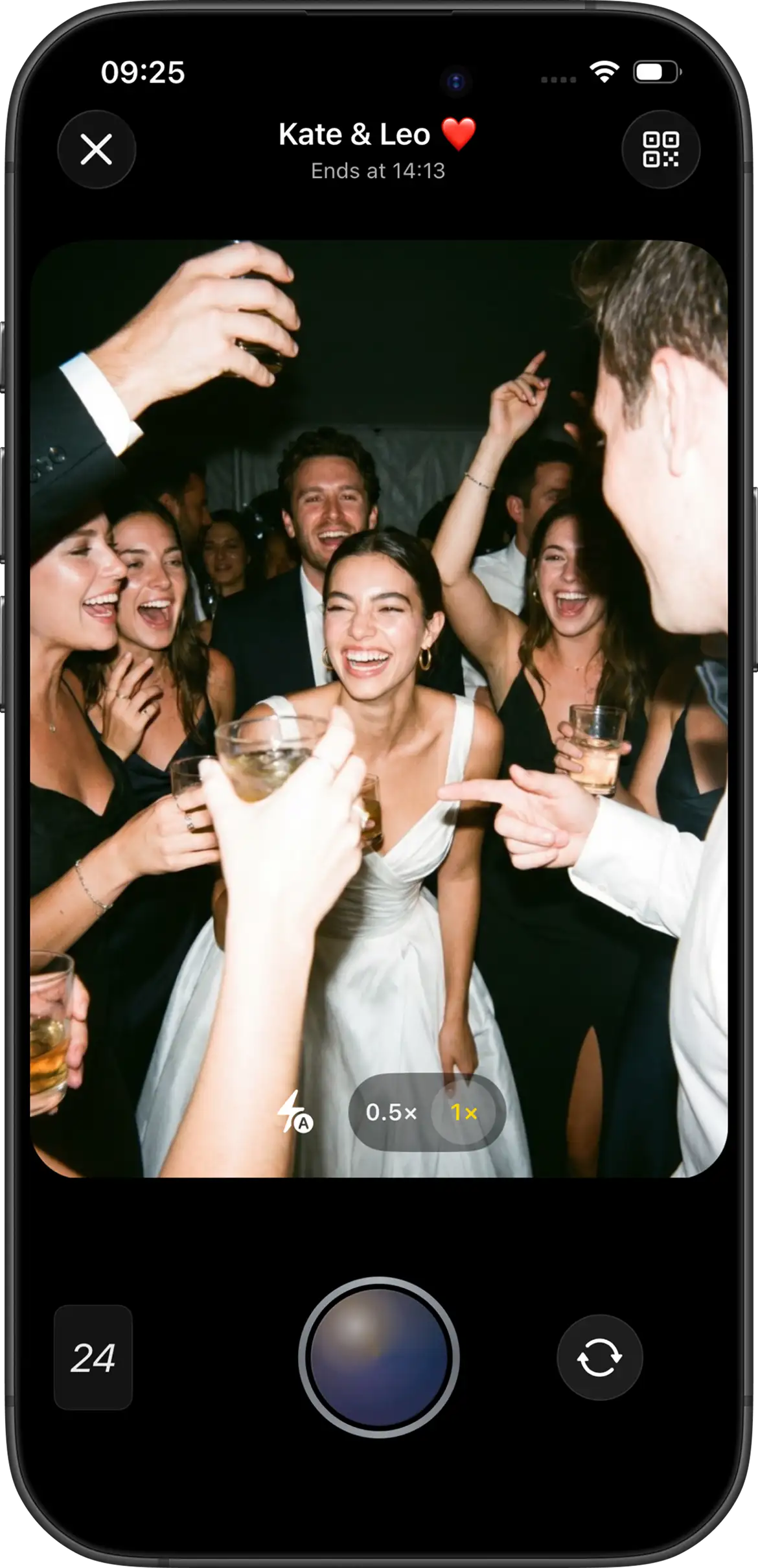
With Join Camera, the host can configure guest capacity, host-set shot limits, instant reveal or delayed reveal, and choose one of the two available filters at event creation: Vintage or Black & White. Guests do not need an account to take photos. On iPhone, guests can join through the App Clip from the QR code or invitation link without installing the full app first. On Android, guests join from the same QR code or invitation link in the Join Camera app. Offline capture is supported, and video is not supported yet.
The critical shift is behavioral. Instead of asking guests to do something after the wedding, you are turning the QR code into a live instruction during the wedding: scan, shoot, and contribute now.
Why QR code photo sharing performs better than “send us your photos later”
Most couples do not fail because guests refuse to help. They fail because the request comes at the wrong time. Once the wedding is over, every guest has something more urgent to do than sort through their camera roll and decide what to upload. Even people who mean well forget.
A QR code changes the timing. It creates a moment-of-use behavior while guests are already in photo mode. Someone sees the sign, scans, takes a photo, and moves on. That is a much smaller ask than remembering a task 24 hours later. For wedding SEO content, this is an important distinction: QR photo sharing is not just about the format of the link. It is about shifting contribution from after the event to during the event.
QR photo sharing vs a normal shared album
A shared album and a QR event camera solve different problems. A shared album is mainly a storage destination. It works best when the real job is collecting existing files from people who already took photos on their normal phone camera.
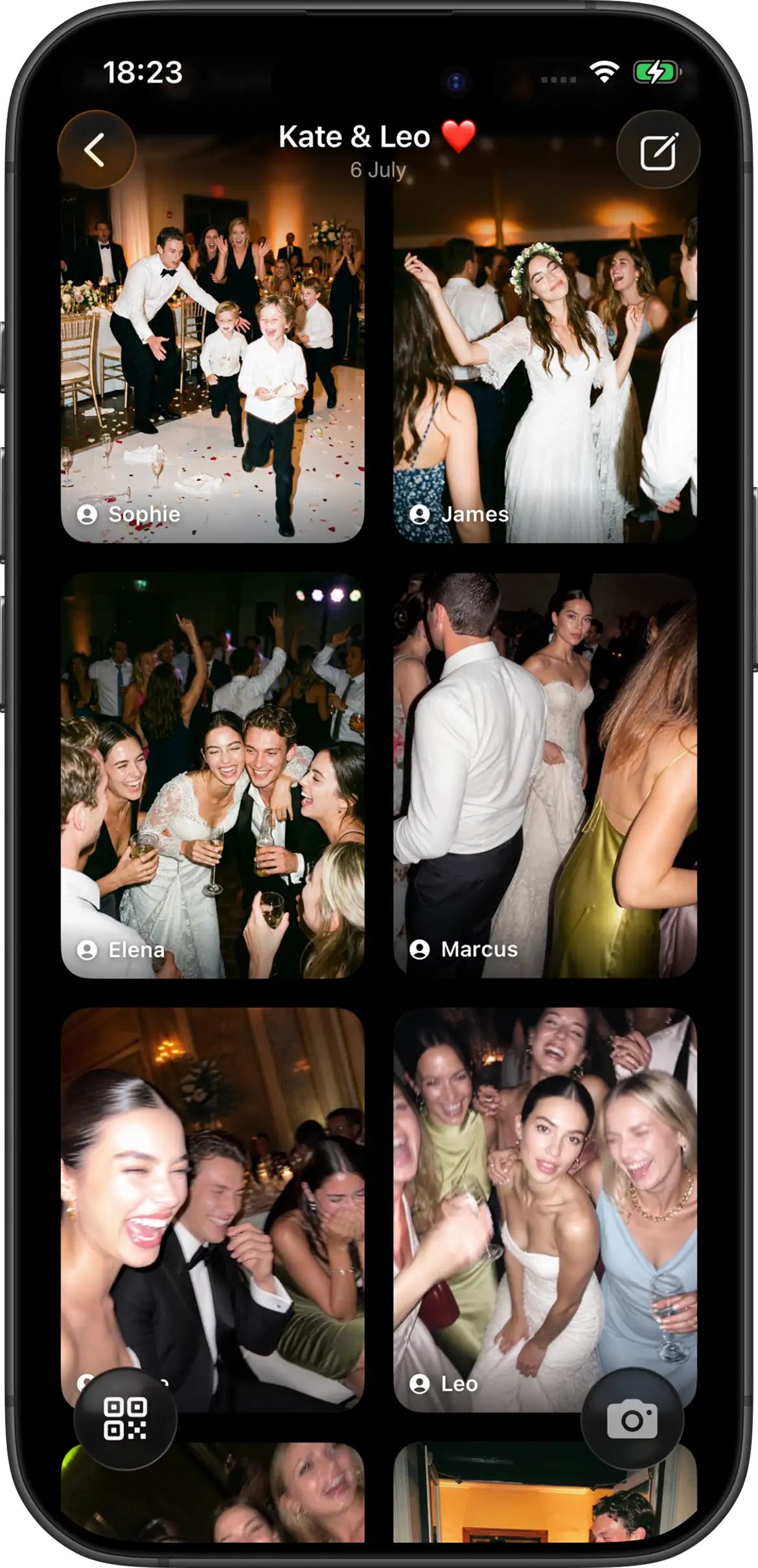
A QR event camera is more active. The code invites guests into one shared capture flow with a clear purpose. If the host uses limited shots and delayed reveal, the QR code becomes part of the wedding's atmosphere rather than just a file-transfer shortcut.
If you want lots of spontaneous guest participation, the event camera approach is usually stronger. If you only need a central place to dump files later, a normal album may be enough. Couples get better results when they decide based on behavior, not just storage features.
Where should you place the QR code?
Placement is one of the biggest determinants of participation. The best QR sign in the world does not help if guests only see it once while they are still finding their seat. The more reliable strategy is to place the same invite where guests naturally pause with a phone in hand.
- Welcome sign and check-in table
- Guest book station
- Every reception table card
- Bar or cocktail lounge
- Wedding website or digital invitation as a backup link
Table placement is usually the highest-leverage option because it turns waiting moments into participation moments. People scan while seated, during dinner gaps, or between speeches. A welcome sign is helpful, but it works better as the first touch than the only touch.
If you are only going to invest in one print format, prioritize a reception-table card over a giant entrance sign. The entrance is busy. The table is where guests actually have time.
What should the QR sign say?
The best signage is short, clear, and specific. It tells guests what to do, why it is different from a normal upload request, and what to expect after they take the photo. Most signs fail by either being too vague ("share your photos") or too wordy.
- "Capture our wedding from your point of view. Limited shots. One shared reveal."
- "Scan to join our wedding camera. Photos unlock after the event."
- "iPhone: open via App Clip. Android: join in the Join Camera app from this QR."
That last line matters because accurate platform wording prevents friction. If guests on Android expect exactly the same join flow as iPhone guests, some will hesitate when they see an app step. Short, truthful wording is better than a broader promise that creates confusion.
For a deeper guide to wording and print layout, see disposable camera app wedding sign.
Best formats for wedding QR signs
Couples often picture one large sign, but the most effective QR strategy usually combines several smaller placements that match different guest behaviors throughout the day.
Table cards
Best for actual scanning volume. Guests are seated, relaxed, and already looking around the table, which makes scanning feel natural instead of interruptive.
Welcome sign
Best as the first introduction. It tells guests that the camera exists, but it competes with arrival logistics and usually should not be the only placement.
Bar or guest book sign
Best for a second wave of participation. These locations work because guests naturally pause there and have a few spare seconds to notice the invitation.
Should photos appear immediately?
Reveal timing changes how the gallery feels. Instant reveal lets participants see photos immediately after they are taken. This can create a live, playful feeling during the reception, especially if guests are already the kind of crowd that likes to check in on the gallery as the night unfolds.
Delayed reveal does almost the opposite. Photos stay hidden until after the event, optionally after an additional host-selected delay. This creates anticipation and makes the event camera feel more like a disposable camera. It can also reduce the temptation to stand around reviewing photos during the reception instead of living in the moment.
For most weddings, delayed reveal is the more distinctive choice. But the right answer depends on the kind of experience you want to create. The important thing is to tell guests which mode you chose so nobody misreads hidden photos as a technical problem.
What if the venue has weak internet?
Reception venues, outdoor ceremonies, and older buildings often have unpredictable connectivity. Couples should treat this as normal, not exceptional. Join Camera supports offline capture so guests can keep taking their assigned shots even when the connection drops.
That does not mean you should skip testing. The best practice is to test scanning and first join on-site if possible, especially if the venue is known for poor signal. A camera flow that keeps working offline is valuable, but you still want confidence that the first guest interaction is simple and fast.
The most common QR setup mistakes
Printing the code without testing the real size
A QR that looks fine on a laptop screen can be annoying to scan when printed too small on textured cardstock in a dim room. Always test the exact print size before ordering a full batch.
Relying on one sign only
One entrance display rarely captures enough people. Repetition is what raises participation, not size alone.
Using vague wording
If guests do not understand whether they are taking photos now or uploading photos later, many will postpone and never return.
Forgetting to explain reveal timing
A delayed reveal is powerful when it is expected. Without that explanation, some guests assume something is broken.
How many QR placements do you really need?
There is no universal number because guest count and venue shape change the answer, but one placement is almost always too few. Guests move differently through the wedding, notice things at different times, and rarely all scan from the first sign they see.
For a smaller wedding, one welcome sign plus table cards may be enough. For larger receptions, add at least one more touchpoint such as the bar, the guest book area, or the wedding website. The goal is not to overwhelm people. It is to make the invitation hard to miss.
If you are deciding where to focus effort, prioritize the places where guests wait. Waiting creates scanning time. Motion does not.
When QR code wedding photo sharing is the best fit
QR-based wedding photo sharing is strongest when you want more candid photos from more guests and you care about participation during the event, not just file collection afterward. It is especially useful for receptions, multi-room venues, and weddings where a normal shared album would rely too heavily on guests remembering an upload task later.
It is a weaker fit if your only goal is to gather a few photos from a very small group several days later. In that case, a simple shared album may be enough. But when you want the QR code to feel like part of the celebration, the event-camera model creates a clearer ritual and usually produces a more complete gallery.
Pre-print testing checklist
- Create the event with the final shot limit and reveal settings.
- Print one QR at the exact size you plan to use on tables.
- Scan from a comfortable standing distance in typical room light.
- Confirm iPhone App Clip and Android app join paths.
- Take a test photo and confirm it reaches the event.
- Add a short backup URL under the code.
- Show the sign to one other person and see if they understand it instantly.
After the wedding
Once the gallery is revealed, keep the post-event step simple. Share the gallery once instead of beginning a second collection campaign. Hosts can delete photos they do not want to keep. There is no separate moderation workflow beyond host deletion.
If guests want downloads, remember the rule: only signed-in users can download photos, and only after the reveal. That is worth communicating clearly so expectations stay aligned.
Create your wedding QR event


Questions? Contact us.
Frequently asked questions
How does a wedding photo QR code work?
The host creates one event and receives a QR invitation plus shareable link. Guests scan the code and join the same shared camera flow instead of being asked to remember an upload task later. On iPhone, Join Camera guests can join from the QR code or invite link through the App Clip without installing the full app first. On Android, guests join from the same QR code or invite link in the Join Camera app. The important part is not just the QR image itself; it is that the code becomes the doorway into one shared event during the wedding.
Do guests need to download an app to use the QR code?
It depends on the device, which is why signage should be accurate. On iPhone, guests can use the Join Camera App Clip from the QR code or invitation link without installing the full app first. On Android, guests join from the same QR code or invitation link in the Join Camera app. In both cases, guests can take shots without creating or signing into an account, which removes one of the biggest participation barriers.
Where should wedding QR codes be placed?
Place QR invitations where guests naturally stop and look around: the welcome table, guest book station, reception tables, bar, and the wedding website or digital invitation as a backup link. Multiple placements matter more than one large entrance sign. Most couples underestimate how often a guest needs to encounter the same invitation before acting on it, especially once the reception gets busy.
Should the gallery reveal instantly or later?
Instant reveal shows photos immediately after they are taken, which works well if you want the gallery to feel live during the reception. Delayed reveal keeps photos hidden until after the wedding, optionally after an additional host-selected delay, which feels closer to a disposable camera reveal. For many weddings, delayed reveal is the stronger experience because it keeps attention on taking the photo instead of reviewing the gallery all night.
What should we test before printing QR signs?
Test the exact size you plan to print, not just the digital file on your laptop. Scan from standing distance, verify that iPhone and Android guests can follow the correct path, take a test shot, and check your final reveal settings before ordering table cards or signage. It is also smart to place a short backup link under the QR in case a guest's camera has trouble recognizing the code in dim reception lighting.
Related: collect wedding photos from guests · App Clip guide · wedding sign wording · weddings with Join Camera · photo booth alternatives