
Wedding guest photos
How to get wedding guests to take photos (without nagging)
Guests already take photos at weddings. The hard part is getting those photos into one place on purpose. Most couples do not fail because guests refuse to help. They fail because the invitation is vague, the timing is wrong, or the system asks people to upload later when nobody has the energy.
If you want more candid photos from more guests, you need a plan that creates action during the wedding. That means one shared destination, clear wording, repeated placement, and a reason to participate now.
This does not have to feel pushy. The best wedding photo systems work because they are lightweight: guests see the invitation, know what kind of photos to take, understand when the gallery unlocks, and move on. A small amount of planning before the day saves you from sending awkward group texts afterward.
Why guests take fewer photos than you expect
Weddings are socially busy. Guests are greeting people, finding seats, watching speeches, and trying not to look glued to their phones. A photo system that feels like work loses immediately.
The gap between “guests took photos” and “we received guest photos” is bigger than couples expect. People snap pictures for themselves, send one to a friend, post a story, or save the rest for later. If the contribution path is not obvious in the moment, the photos stay scattered across camera rolls and message threads.
- The ask is too late. Post-event album links compete with travel and recovery.
- The instruction is unclear. “Share your photos” does not tell guests whether to shoot now or upload later.
- The invitation appears once. One entrance sign is easy to miss in the arrival rush.
- There is no social proof. If nobody in the wedding party starts first, many guests wait and never join.
Treat these as design problems, not personality problems. Most guests are happy to help when the ask is clear and the effort is small. Your job is to create a situation where taking part is easier than ignoring the invitation.
The system that works: one shared wedding camera
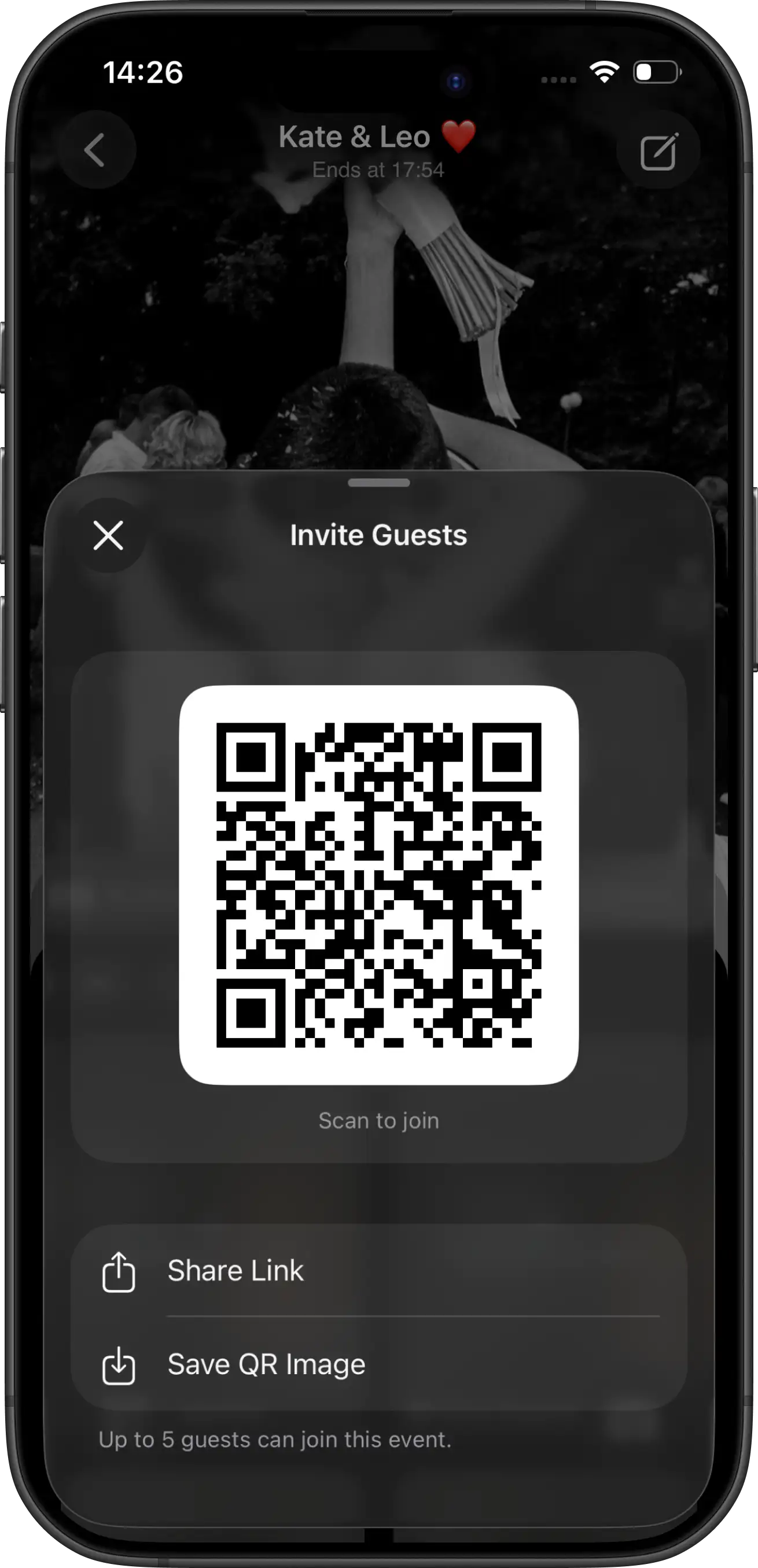
The strongest participation pattern is simple. Create one event camera before the wedding. Put the QR invitation where guests pause. Tell them they have limited shots and one shared reveal. Then let the activity run during dinner and dancing.
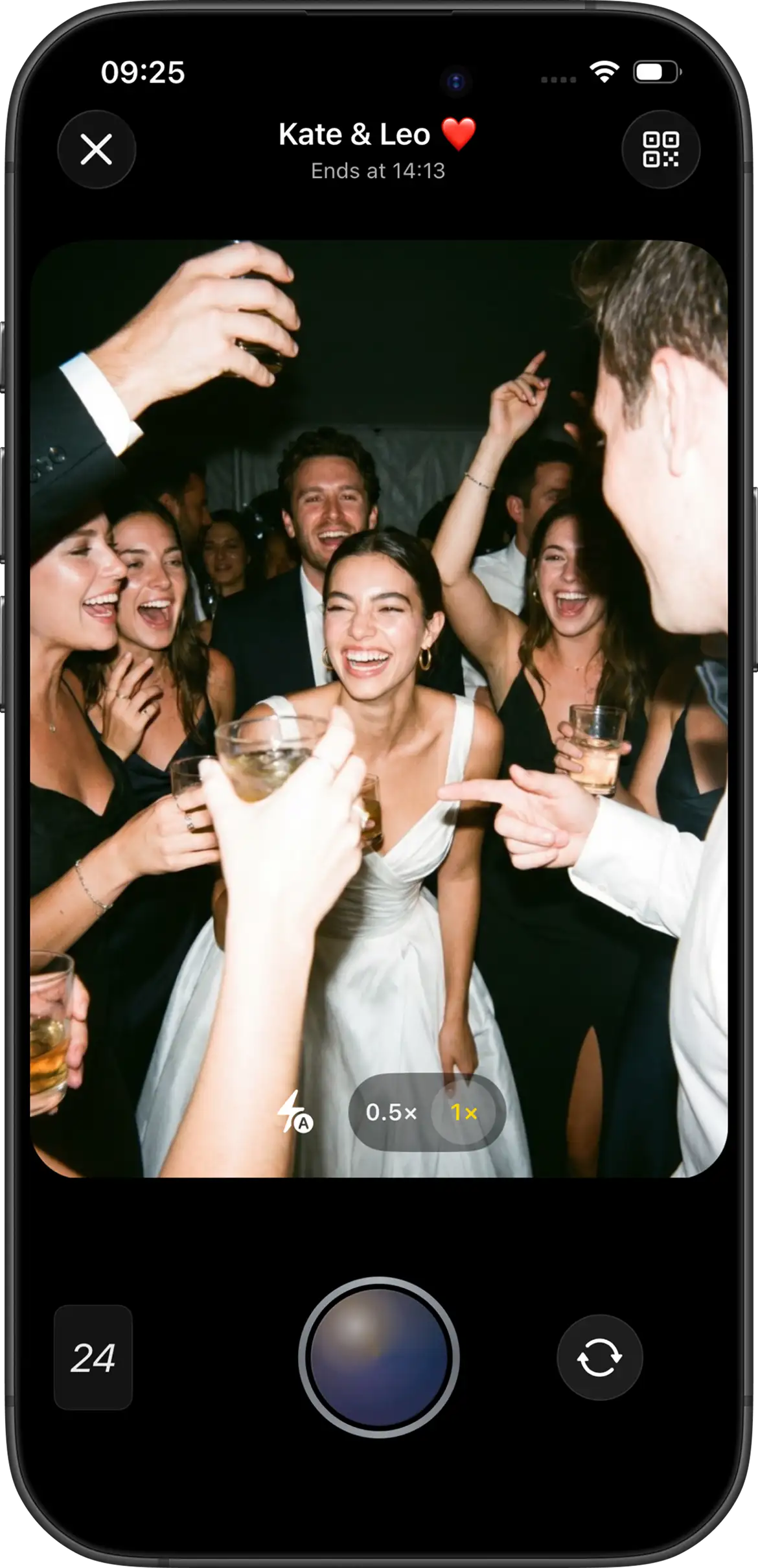
One shared camera gives guests a clear job. They are not deciding whether to text you photos, upload to a random album, use a hashtag, or wait for a reminder. They scan once and shoot into the same gallery as everyone else. The limited-shot format also changes the tone: instead of dumping every photo from the camera roll, guests choose a few moments that feel worth saving.
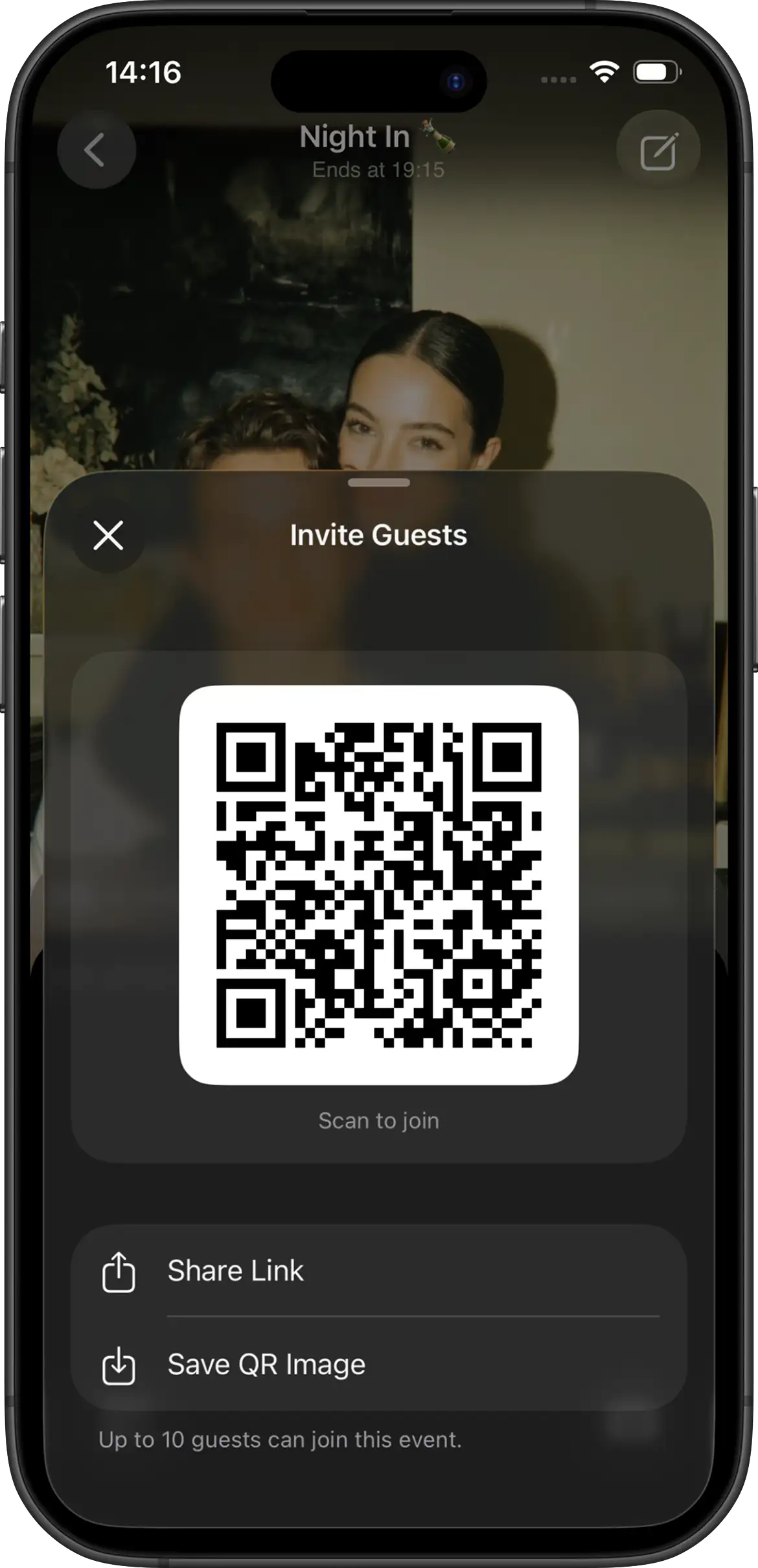
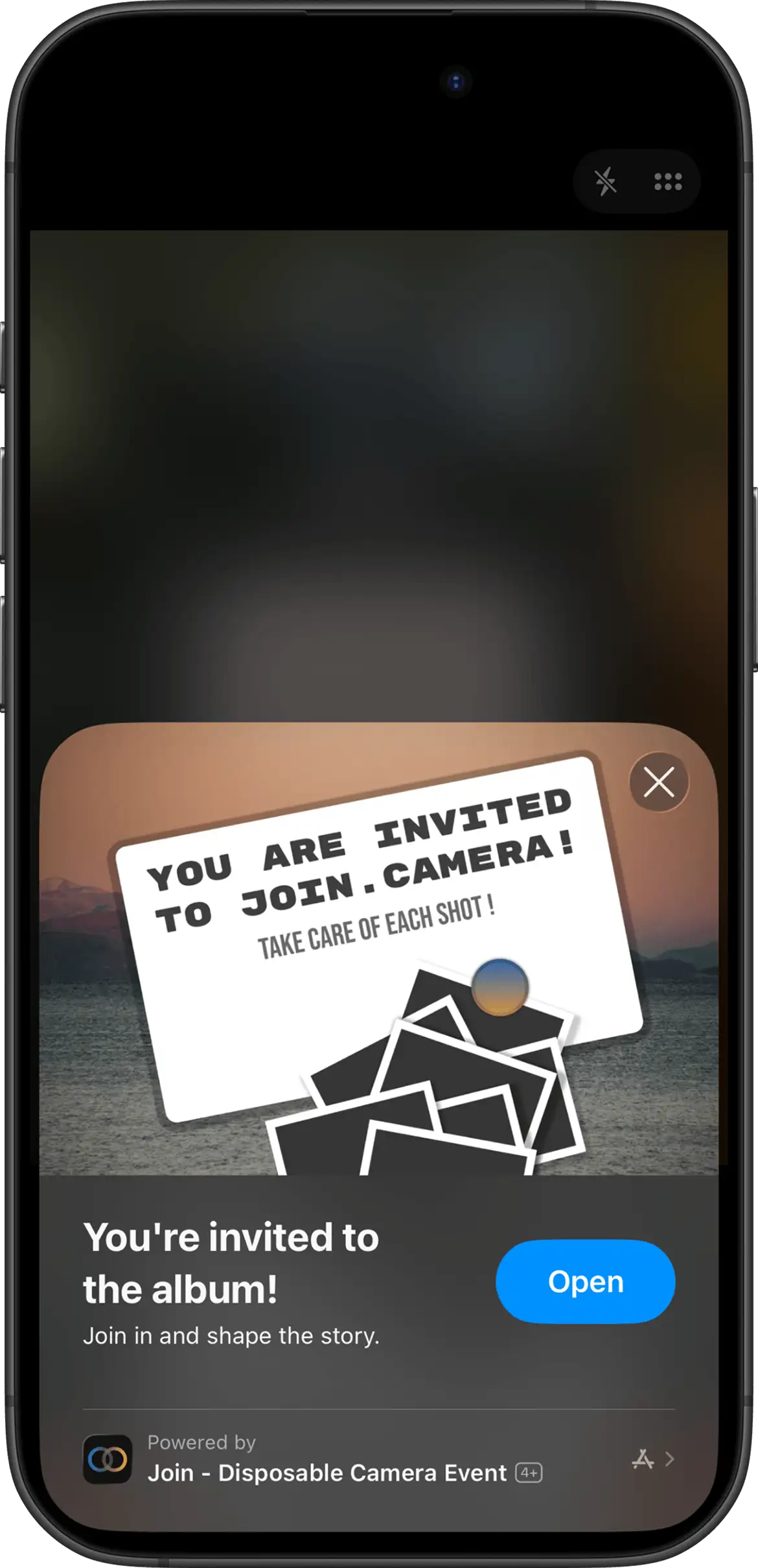
With Join Camera, hosts set guest capacity, shot limits, Vintage or Black & White filters, and instant or delayed reveal. Guests can take shots without an account. iPhone guests can join through the App Clip from a QR code or invite link. Android guests join from the same invite in the Join Camera app. Offline capture is supported. Video is not supported yet.
That setup turns photo-taking into a wedding activity instead of a follow-up chore. For the full collection workflow, see how to collect wedding photos from guests.
1. Start with the wedding party
Guests copy what they see. If bridesmaids, groomsmen, siblings, or close friends scan first and start shooting, the camera feels normal. If nobody starts, the QR card looks like optional decor.
Brief the wedding party the day before. Ask them to scan early, take a few shots during cocktail hour, and help older guests if needed. Social proof is one of the cheapest participation boosts you can create.
2. Place the invite where people wait
Waiting creates scanning time. Motion does not. Prioritize reception tables, then add welcome, guestbook, and bar placements. Table cards usually outperform a single large entrance poster because guests are seated long enough to notice and act.
Think about the guest journey. At the entrance, people are often holding coats, gifts, drinks, or conversations. At the table, they have a few quiet minutes before food, speeches, or dancing. At the bar, they are already waiting with a phone in reach. Those are the moments when a QR code can become an action instead of decoration.
Details on wording and print testing live in the wedding sign guide and QR photo sharing guide.
3. Use wording that creates a ritual
Guests respond better to a short invitation than to a software explanation. Good lines sound like this:
- “Scan to take your shots. Photos unlock together after the wedding.”
- “Capture our day from your point of view — limited shots, one shared reveal.”
- “iPhone: open via App Clip. Android: join in the Join Camera app.”
Accurate platform wording matters. Overpromising a universal no-download flow creates hesitation. Short and true beats broad and confusing.
Avoid language that sounds like a chore. “Upload your photos here after the wedding” is practical, but it does not create urgency. “Take your limited shots tonight; photos unlock after the wedding” explains the action, the constraint, and the payoff in one sentence.
4. Ask the DJ or MC for one short mention
One 20-second announcement during dinner can create a second wave of scans. Keep it light: there is a QR on the tables, guests should take their shots, and photos unlock after the wedding if you chose delayed reveal.
Do not turn it into a lecture. Permission works better than pressure. A second reminder after the first dance can help larger receptions, but one clear mention is usually the minimum that matters.
A good script can be as simple as: “There's a QR code on your table for the couple's shared camera. Take a few candid shots tonight, and they'll see the gallery after the wedding.” If you chose instant reveal, adjust the ending so guests know photos can be seen immediately after they are taken. The announcement should sound like an invitation, not an instruction manual.
5. Choose reveal timing that supports candid behavior
Instant reveal lets participants see photos immediately after they are taken. That can create live energy, but it also encourages gallery browsing during the reception.
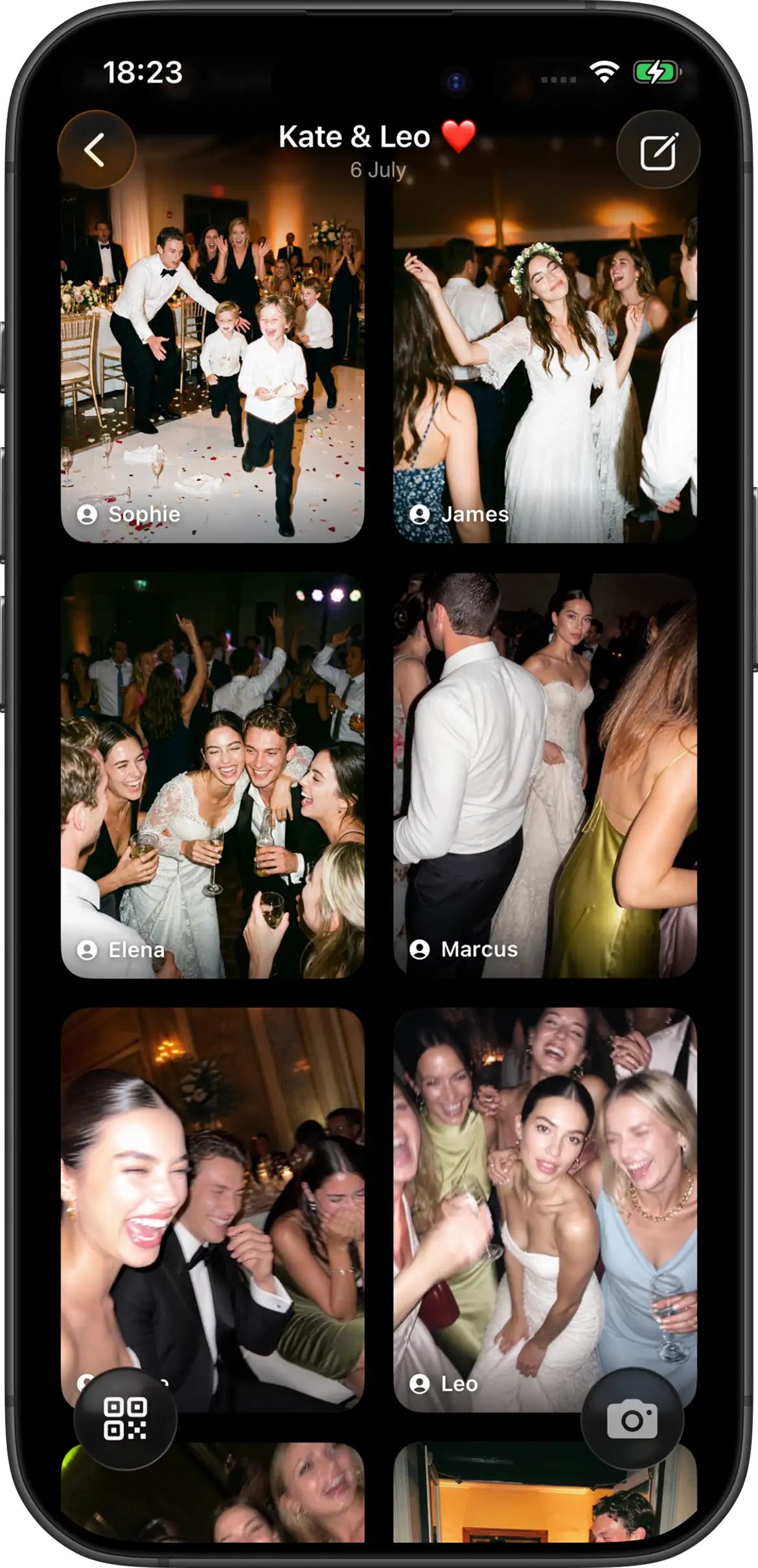
Delayed reveal keeps photos hidden until after the event, optionally after an additional host-selected delay. That usually produces better candid behavior because guests focus on capturing the moment instead of reviewing every shot. Tell guests which mode you chose so nobody thinks the gallery is broken.
If you use delayed reveal, put that fact on the sign. A simple note like “photos unlock after the wedding” prevents confusion and makes the wait feel intentional.
6. Remove the reasons people quit
- Test the QR at final print size before ordering a full set.
- Confirm iPhone App Clip and Android app join paths ahead of time.
- Add a short backup link under the QR for dim lighting or scan issues.
- Expect weak venue Wi-Fi. Join Camera supports offline capture so guests can keep taking assigned shots when connectivity drops.
Friction usually hides in small details: a QR that is too small in dim light, a sign placed behind flowers, a link that wraps awkwardly on a printed card, or wording that does not explain whether people should take photos now. Walk through the guest path before the wedding with the same print size and lighting you expect at the venue.
The free tier is useful for rehearsal testing: up to 5 guests and up to 24 shots each. That is enough to find friction before the real guest list arrives.
Test with different kinds of guests if you can. Ask an iPhone user, an Android user, and someone who does not love new apps to join from the same QR or invite link. If all three can take a shot without a long explanation, you are much closer to a day-of flow that works.
What not to rely on
Group chats
Convenient, but photos get buried, compressed, and split across threads. They are good for a few quick reactions, not for building a complete guest gallery that the couple can find and share later.
“Upload later” album links only
Easy to set up, hard to finish. Most guests mean well and still forget. If the first real action happens after travel and recovery, you have already lost the highest-motivation window.
One unmarked QR with no explanation
Guests will not invent the ritual for you. Tell them what the code is for, when to use it, and what happens to the photos afterward.
A simple day-of checklist
- Wedding party scans first during cocktail hour.
- Table cards are visible before dinner starts.
- DJ or MC makes one short announcement.
- Bar or guestbook has a second QR touchpoint.
- After reveal, share the gallery once.
After unlock, signed-in users can download photos. Hosts can delete shots they do not want kept. Join Camera does not currently offer a separate moderation workflow beyond host deletion.
Keep the checklist short enough that someone else can own it. Give a planner, sibling, or wedding-party member the printed cards and the announcement note. If the couple is the only source of instructions, the plan is more likely to disappear once the timeline gets busy.
Create your wedding camera


Questions? Contact us.
Frequently asked questions
How do I get wedding guests to take more photos?
Make the ask happen during the wedding, not after it. Create one shared camera, place the QR where guests naturally pause, give one short instruction, and have the DJ or MC mention it once when people are settled. Guests participate more when the action is obvious, fun, and available in the moment. The goal is not to nag people into helping; it is to remove uncertainty so taking a few candid shots feels like part of the celebration.
Why do guests ignore photo requests after the wedding?
Guests usually ignore post-wedding photo requests because the request arrives when motivation is lowest. After travel, recovery, work, and normal routines begin, uploading photos becomes optional homework even for people who meant to help. A system that collects during the reception avoids that drop-off by asking for a smaller action at a better time: scan, take a few shots, and keep enjoying the party.
Do guests need an account to take photos?
With Join Camera, guests can always take shots without creating or signing into an account. That keeps the capture moment lightweight, especially for guests who are scanning from a table card or invite link during the reception. Only signed-in users can download photos after they have been revealed. That split keeps taking photos easy while still putting downloads behind sign-in once the gallery is available.
Where should we put the invitation so guests notice it?
Start with reception tables because seated guests have time to read, scan, and try the camera before dinner or speeches. Then add secondary placements at the welcome area, guestbook, bar, or other places where people naturally wait. One entrance sign is rarely enough because arrivals are busy and guests are focused on finding seats. Repeated, consistent touchpoints make the invitation feel intentional without requiring repeated announcements.
Should we unlock photos during the wedding or after?
Instant reveal works if you want live gallery energy and participants seeing photos immediately after they are taken. Delayed reveal is often better when you want a disposable-camera feeling because guests focus on taking the photo instead of reviewing the album all night. Join Camera supports both options, including delayed reveal after the event and an optional extra host-selected delay. Whichever mode you choose, explain it clearly so guests know whether the gallery is supposed to be visible right away.
Related: collect wedding photos from guests · shared album vs event app · wedding sign wording · Join Camera for weddings