
Disposable camera app
The disposable camera app for shared event photos
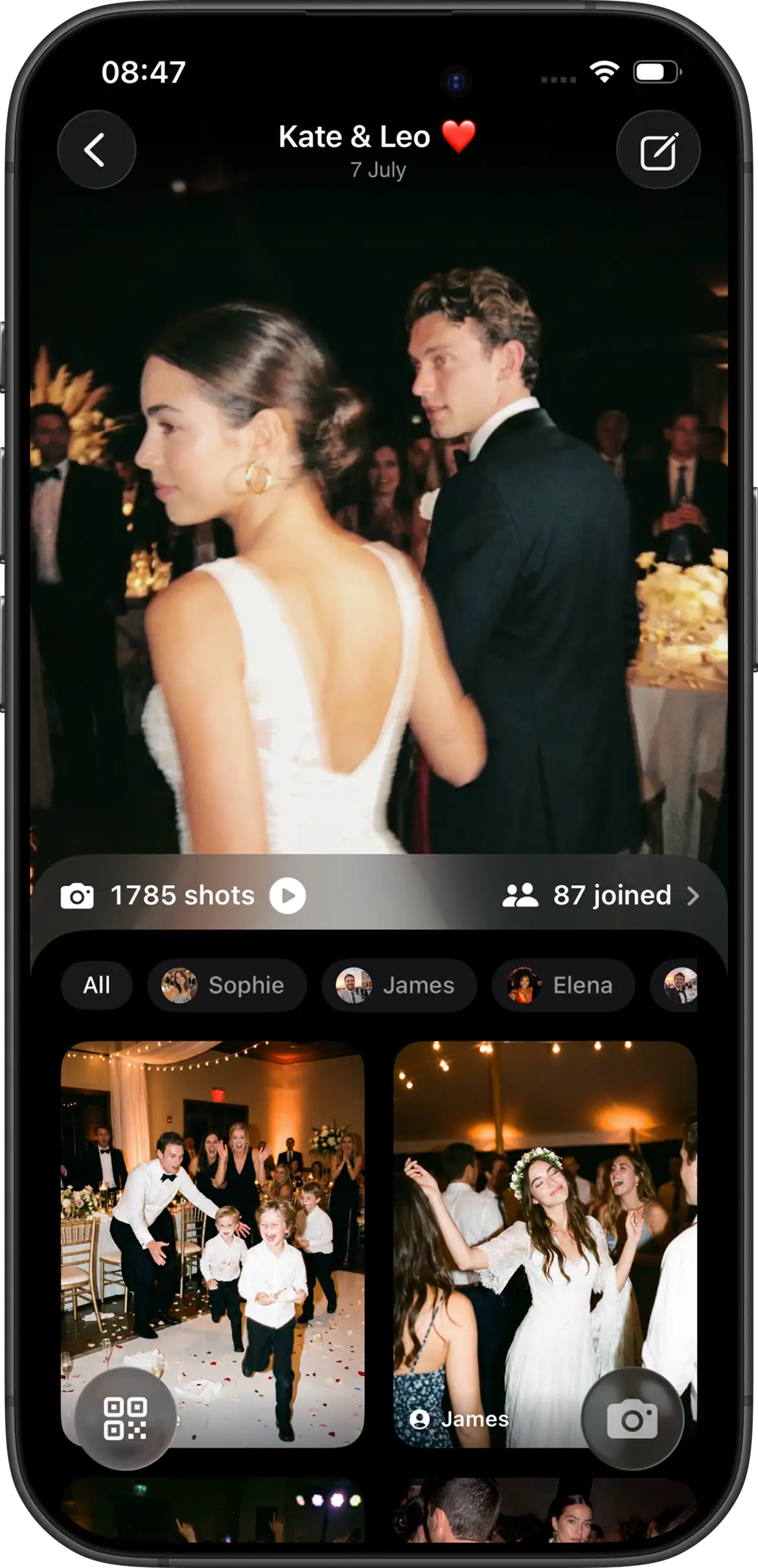
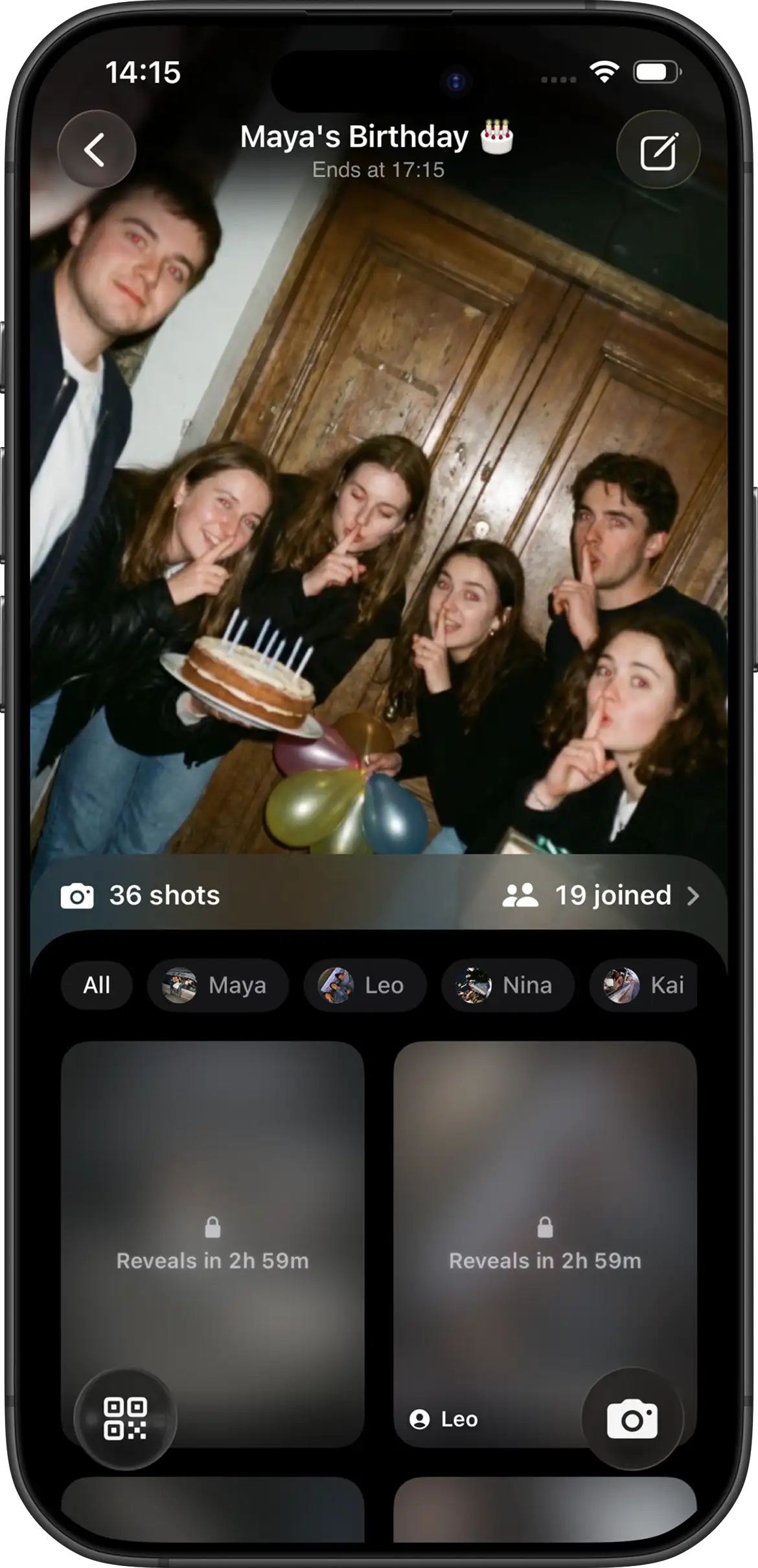
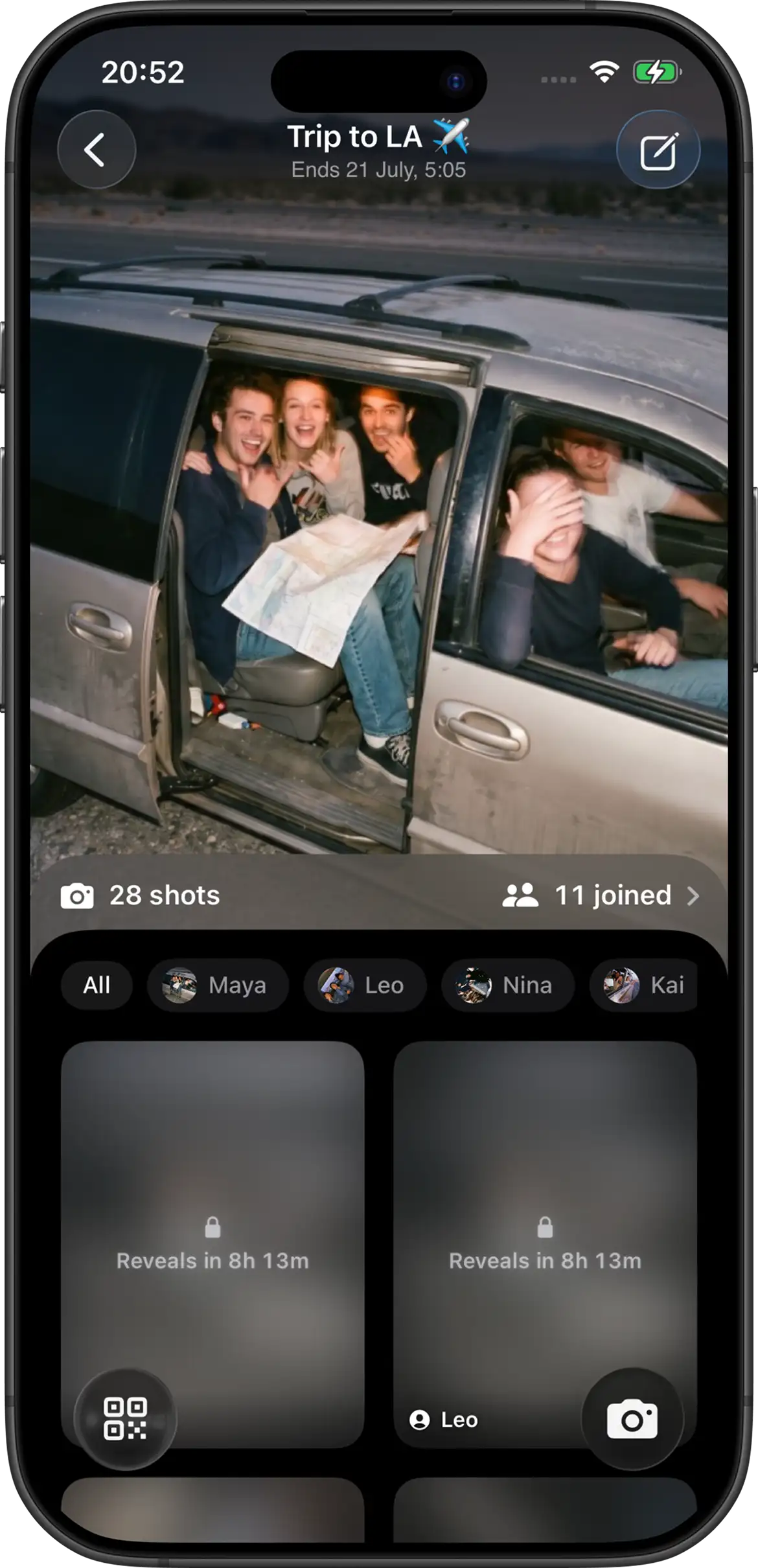
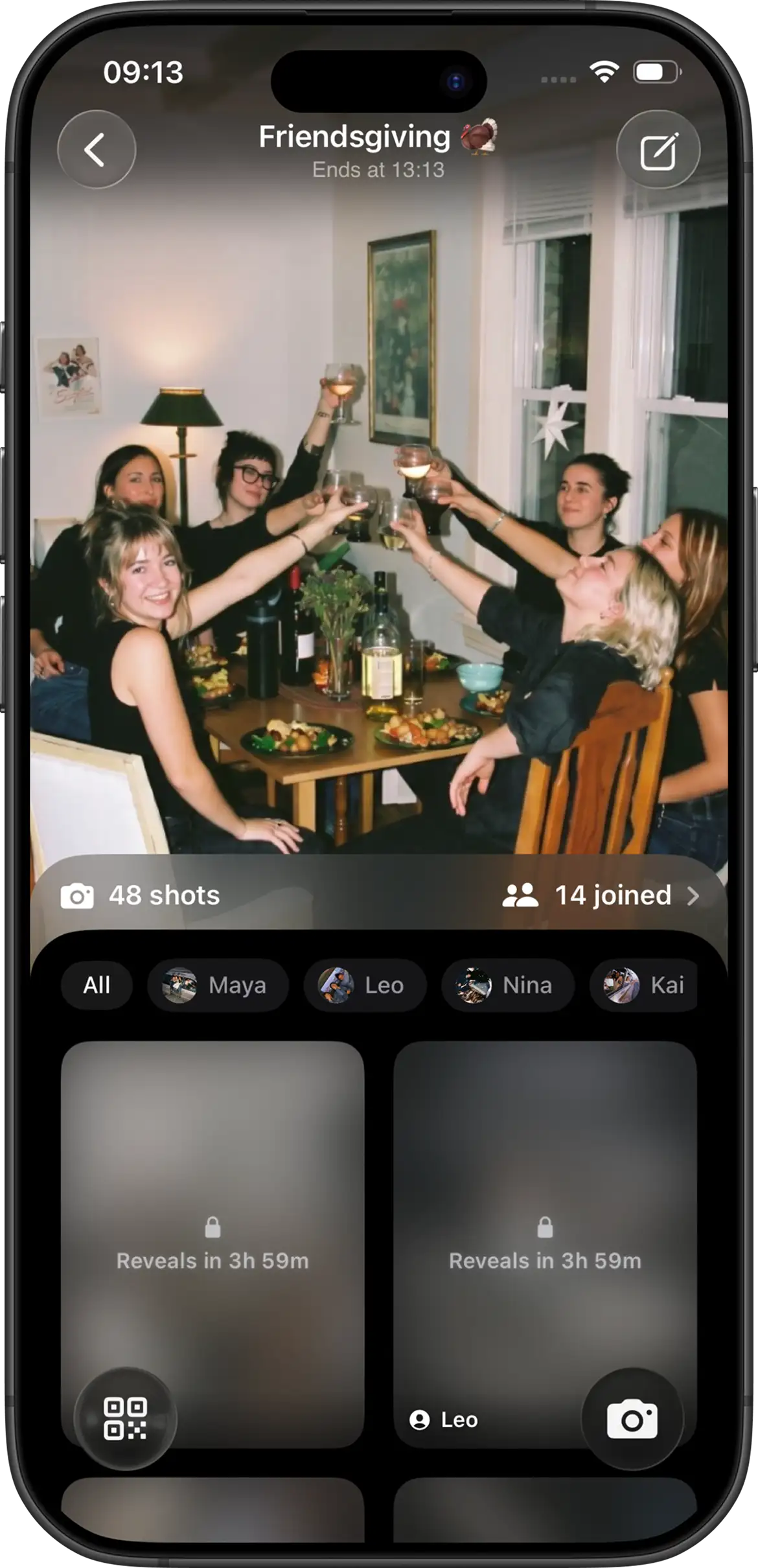
Join Camera is a digital disposable camera for events. Hosts create a shared photo event. Guests capture a limited number of shots. Everyone sees the gallery when you reveal it — together.
What “disposable camera app” actually means
Classic disposable cameras gave guests a roll of film and a finite number of frames. That constraint made photos feel intentional. The downside: buying cameras, collecting them, paying to develop, and hoping rolls didn’t vanish.
A disposable camera app keeps the ritual and drops the hassle. Phones become the cameras. Limits are software. The “developing” moment is a reveal time you control. One event gallery replaces a bag of undeveloped film.
How Join Camera works
- Create an event — Set guest limits, photo limits, and when photos unlock.
- Invite people — Share a link or QR code. iOS guests can join with an App Clip.
- Capture together — Guests shoot into the shared event under your rules.
- Reveal — At your chosen time, the gallery opens for everyone who was part of the event.
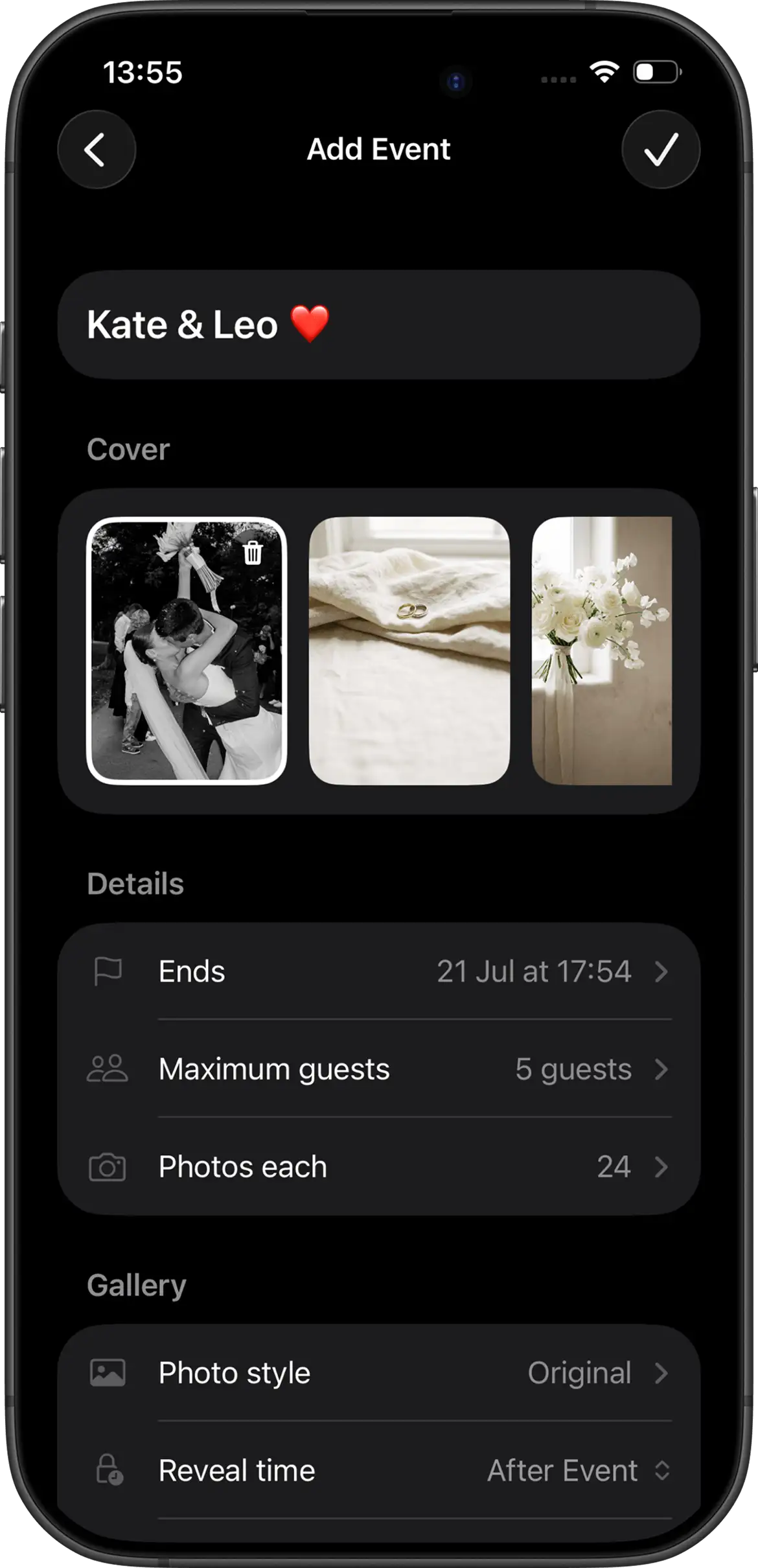
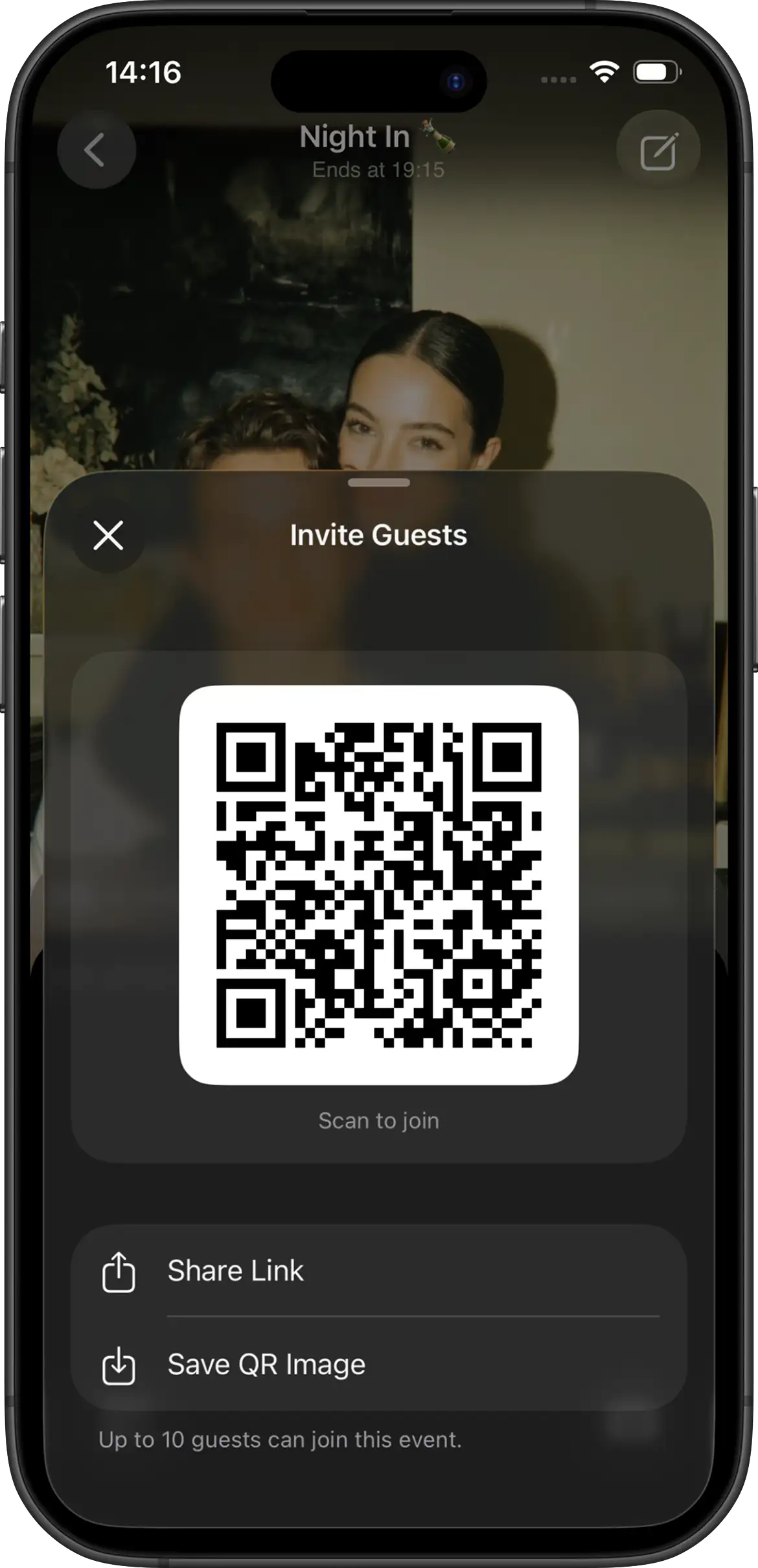
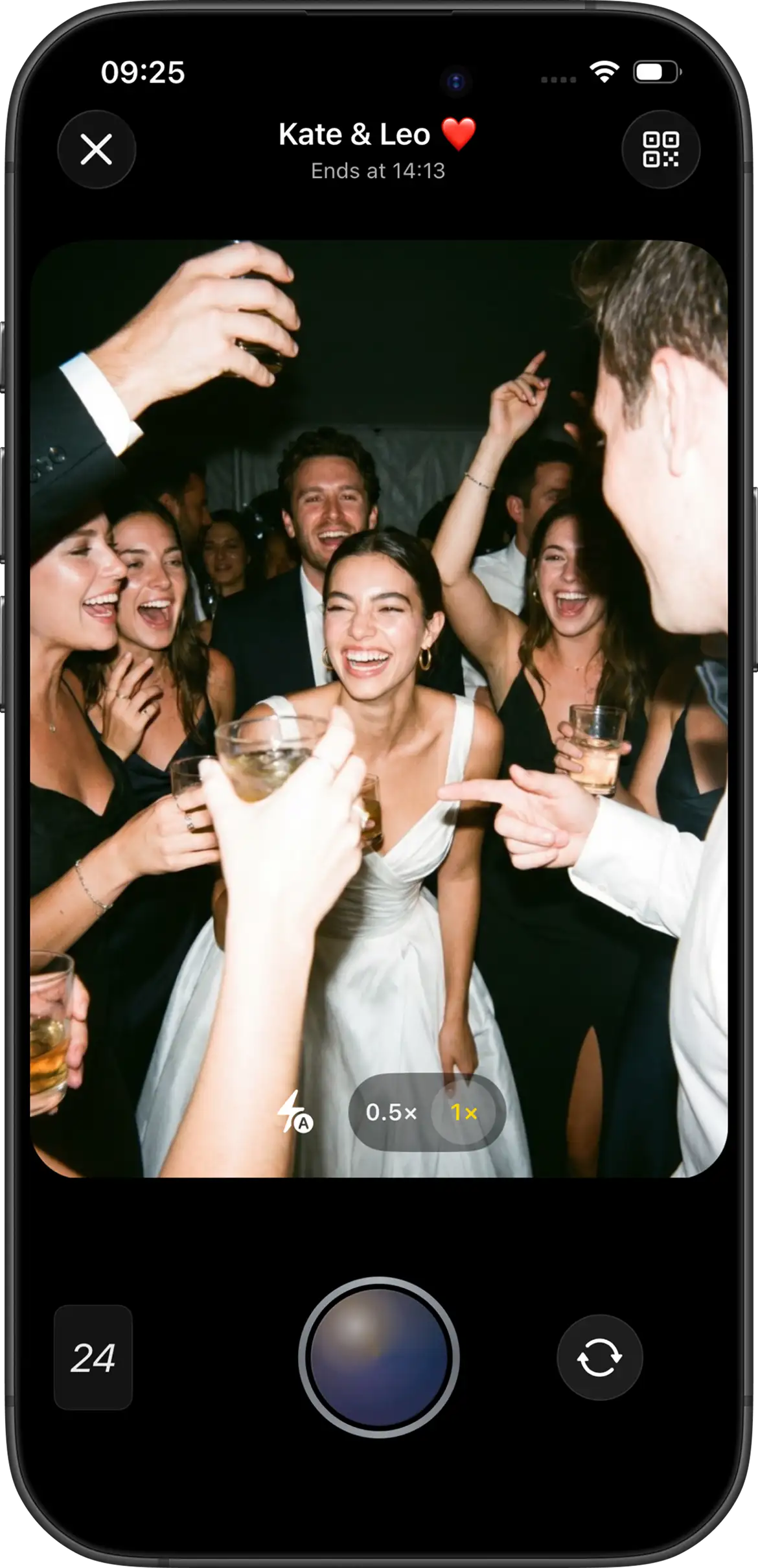
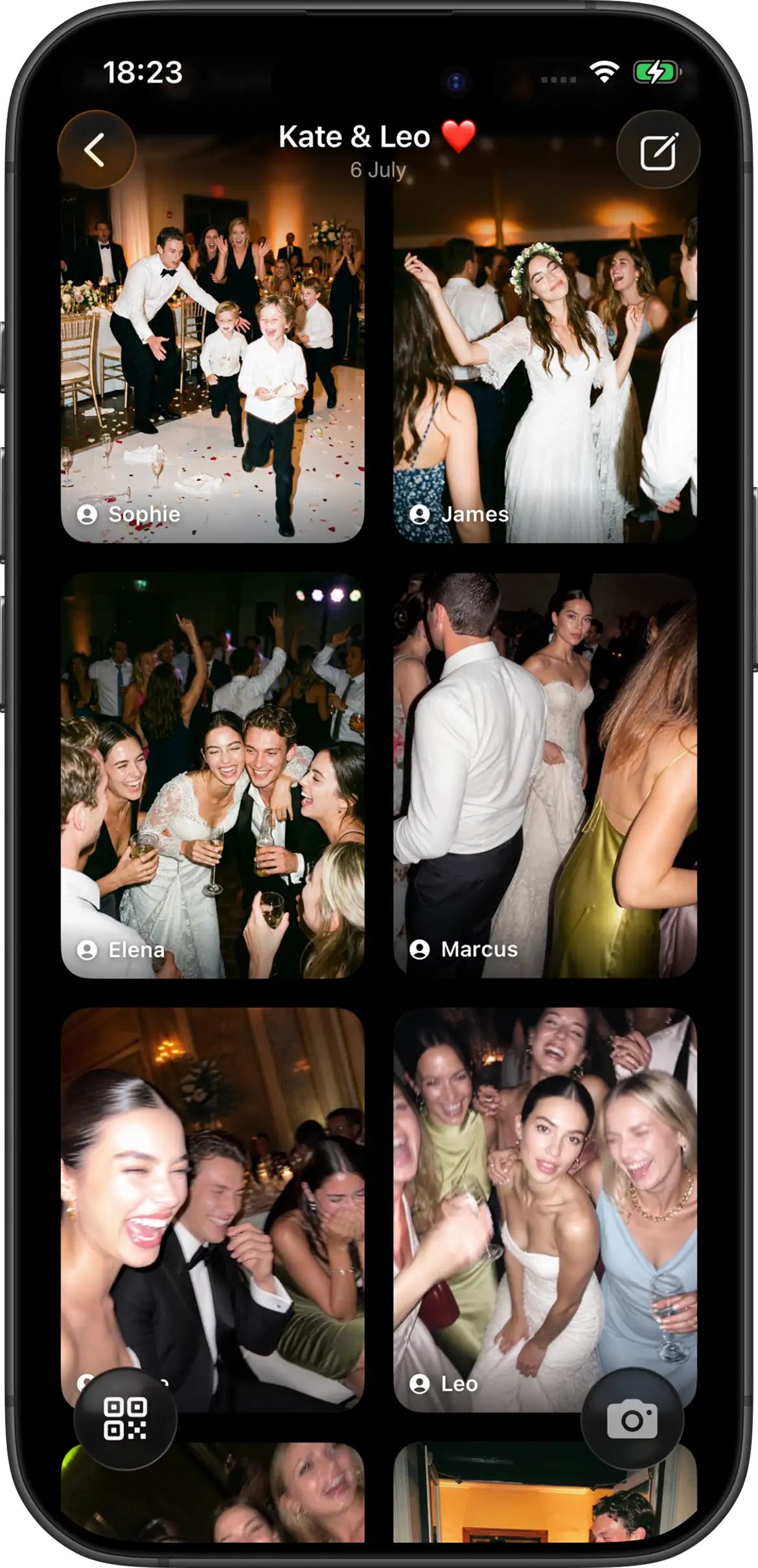
Why limited shots + delayed reveal matter
Unlimited uploads turn events into noise. Limited shots push guests to pick moments that matter. A delayed reveal keeps phones down during the night and turns the album into a shared payoff afterward — brunch, the flight home, the Monday after the wedding.
That’s the core of Join Camera: not another cloud folder, but a ritual around how photos are taken and when they’re seen.
Built for
- Weddings — Guest POVs alongside your photographer. See wedding setup →
- Parties & birthdays — One gallery instead of fifty camera rolls.
- Trips & retreats — Shared memories without the group-chat compression.
- Team offsites — Capture the weekend without forcing a new work app habit.
Compared to other ways of collecting photos
| Method | Shot limits | Delayed reveal | Guest friction |
|---|---|---|---|
| Physical disposables | Yes (film) | Yes (lab) | Low at event, high after |
| Hashtags / DMs | No | No | Scattered, incomplete |
| Shared albums | Usually no | Usually no | Account / platform walls |
| Join Camera | Yes (host-set) | Yes (host-set) | App Clip on iOS |
Try Join Camera for your next event


Questions? Contact us.
Frequently asked questions
What is a disposable camera app?
A disposable camera app recreates the experience of shared film cameras at events: guests get a limited number of shots into one album, and photos often stay hidden until a “develop” or reveal time the host sets.
How is that different from Google Photos or iCloud Shared Albums?
Shared albums are great for storage, but they don’t create the disposable-camera ritual. There’s usually no per-guest shot limit, no delayed reveal, and guests must already have the right account. Disposable camera apps are built for one event’s participation, not long-term cloud libraries.
Do guests need to install Join Camera?
On iPhone, guests can join via App Clip from your invite link or QR code without a full App Store install first. On Android, guests join from the same QR code or invite link in the Join Camera app.
What events work best?
Weddings, birthdays, bachelor/bachelorette weekends, group trips, reunions, and team offsites — anywhere you want candid POVs without chasing people for photos afterward.
Why limit the number of shots?
Limits recreate the scarcity of film. Guests choose moments more carefully, the gallery stays curated, and the reveal feels special instead of infinite scroll.
Wedding guides
Most hosts start with a wedding. These guides cover guest photos, QR setup, and disposable-camera alternatives.
Planning a wedding? See Join Camera for weddings. Comparing options? Read Join Camera vs Once.film.