
Wedding setup guide
Unplugged wedding ceremony + guest photos: how to do both
Couples often feel forced to choose between two goals: a present, phone-free ceremony or lots of candid guest photos. In practice, you can have both if you design the day in phases.
Think of your plan as a handoff. During the ceremony, phones are away and attention stays on the vows. After the ceremony, guests get one clear invitation to capture cocktail hour and reception moments.
Why unplugged ceremonies still make sense
Unplugged ceremonies reduce aisle distractions, improve ceremony photos, and help guests stay emotionally present. Many couples pick this format because they want fewer screens in the most meaningful part of the day.
The mistake is treating unplugged as a full-day ban on phones. That usually frustrates guests and reduces your candid coverage at the reception. A phase-based plan keeps the ceremony focused without losing hundreds of candid moments later.
The two-phase model that works
- Ceremony phase: phones down, no guest capture.
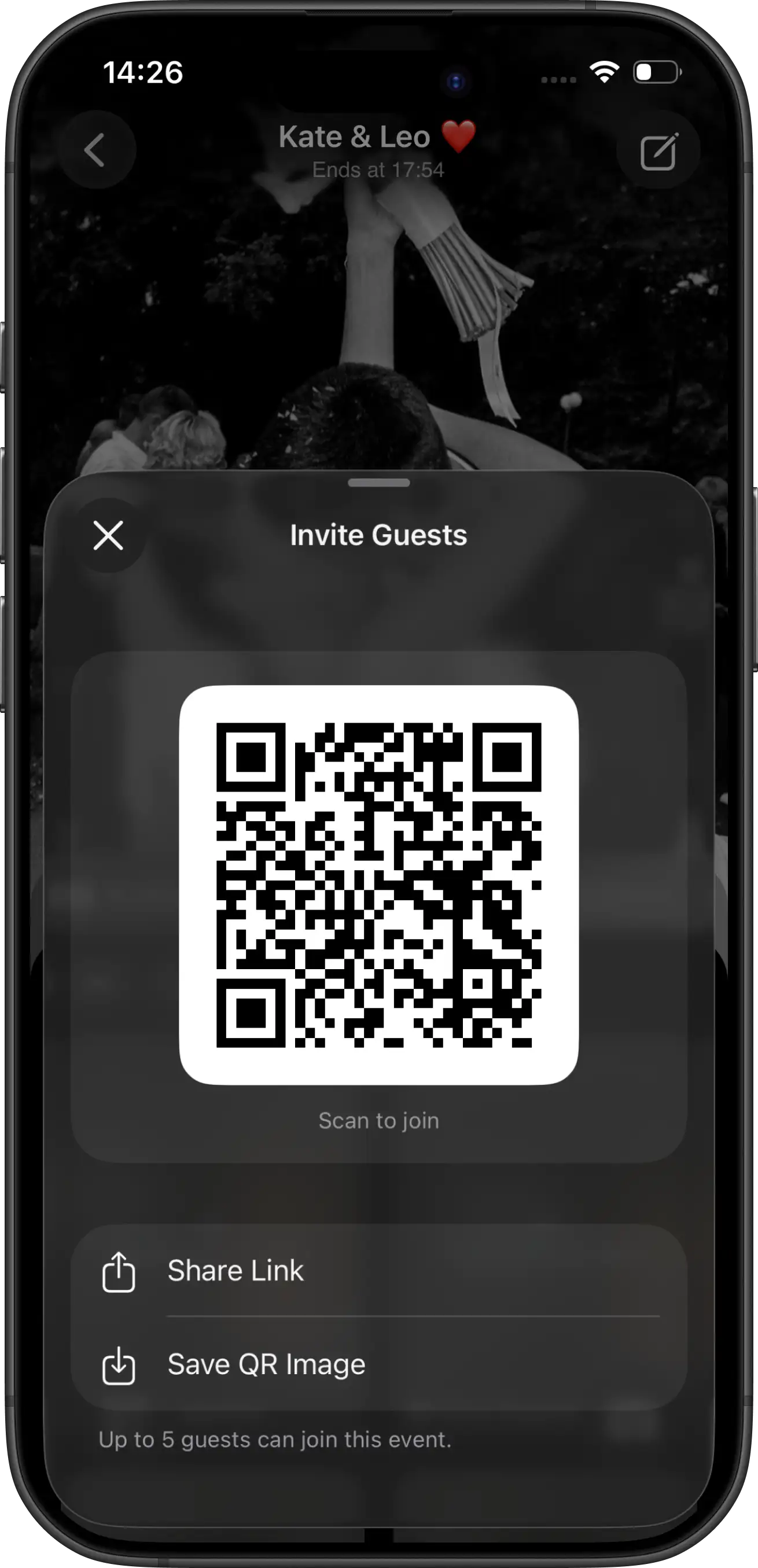
- Reception phase: one QR invitation for shared guest photos.
This removes mixed signals. Guests understand exactly when to put phones away and exactly when to pull them out.
Timeline you can copy
4–6 weeks before: add unplugged language to your wedding website and invitations.
1 week before: test your QR invitation flow on iPhone and Android.
Ceremony start: officiant reminder that the ceremony is unplugged.
Cocktail hour: place visible QR cards for guest photo capture.
Reception: one brief MC/DJ prompt to scan and contribute.
Messaging scripts (copy/paste)
Website / invitation note:
“We are having an unplugged ceremony and would love your full presence. After the ceremony, please help us capture reception candids by scanning our photo QR card.”
Officiant opening line:
“Before we begin, the couple asks that phones remain away during the ceremony so everyone can be fully present.”
MC reception line:
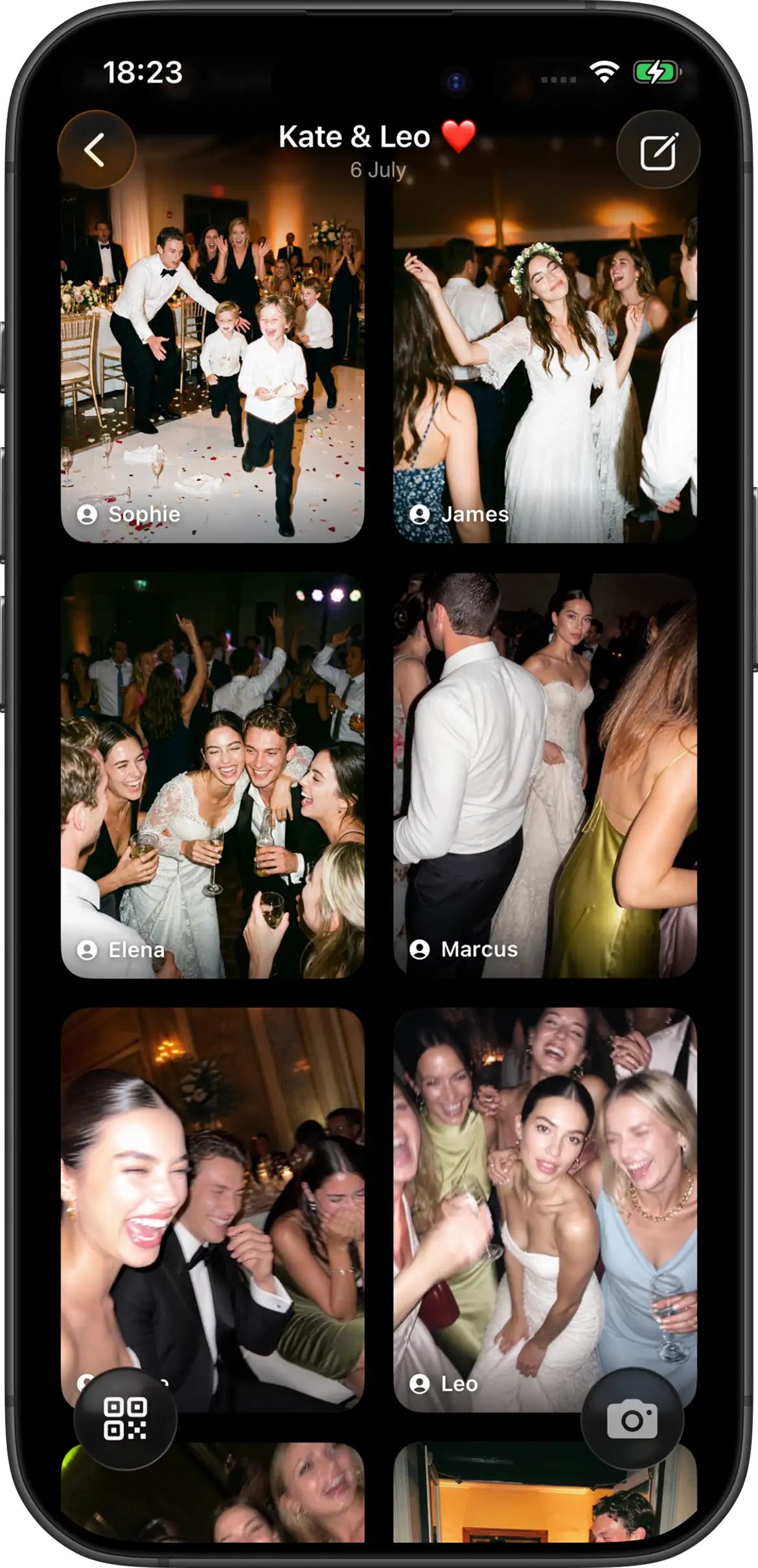
“Phones are back for the party. Scan the QR code at your table to take your wedding shots for the shared gallery.”
Product setup details that prevent friction
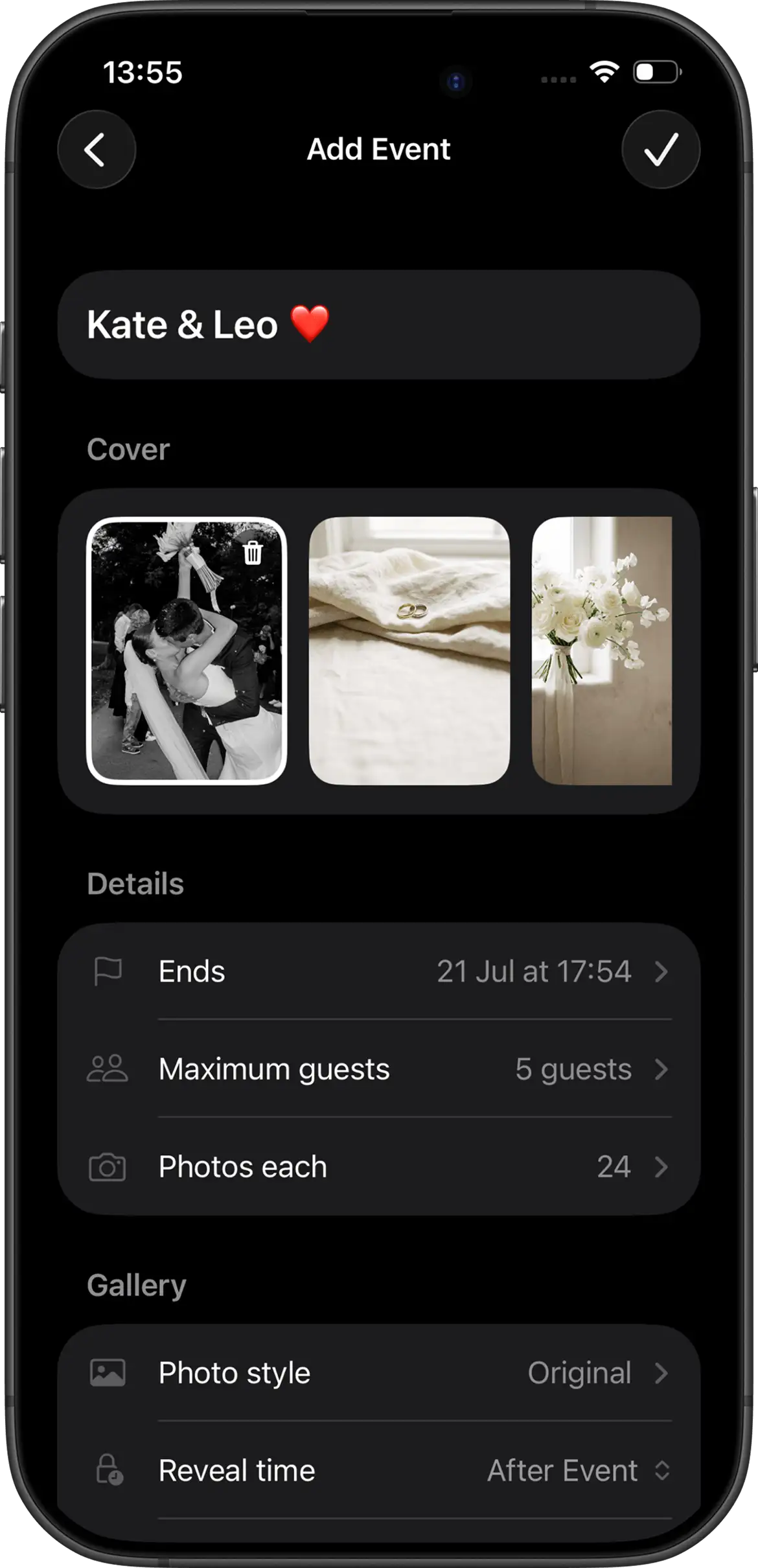
With Join Camera, hosts can configure shot limits and choose instant or delayed reveal before the event starts. At event creation, hosts choose one filter style: Vintage or Black & White.
Guests can always take shots without accounts. iPhone guests can join through App Clip from a QR code or invite link. Android guests join from the same invite in the Join Camera app. Offline capture is supported, and video is not currently supported.
For unplugged weddings specifically, delayed reveal usually feels more consistent with the tone: be present now, relive together afterward.
Common mistakes to avoid
- Only mentioning unplugged rules once.
- Not giving a clear “phones are back now” transition.
- Putting the QR card in only one location.
- Using vague wording like “share pics if you want.”
- Skipping cross-device testing before printing signs.
Bottom line
Unplugged ceremonies and strong guest photo coverage are not opposites. You just need a deliberate handoff from ceremony presence to reception participation. When guests know what to do and when to do it, both experiences improve.