
Comparison guide
Wedding hashtag vs QR code photo sharing (2026)
Couples still ask the same question: should we run a wedding hashtag or a QR code for guest photos? The short answer is that they solve different jobs. A hashtag is a public social signal. A QR invitation is a private collection workflow.
If your real goal is to collect as many candid guest moments as possible in one place, QR-based photo sharing usually wins. If your goal is social buzz, a hashtag can still be useful. The strongest wedding setups use both, but with clear roles.
What each method is actually good at
A hashtag works best when guests want to post publicly and you want a fun, memorable phrase attached to the event. It is lightweight and familiar.
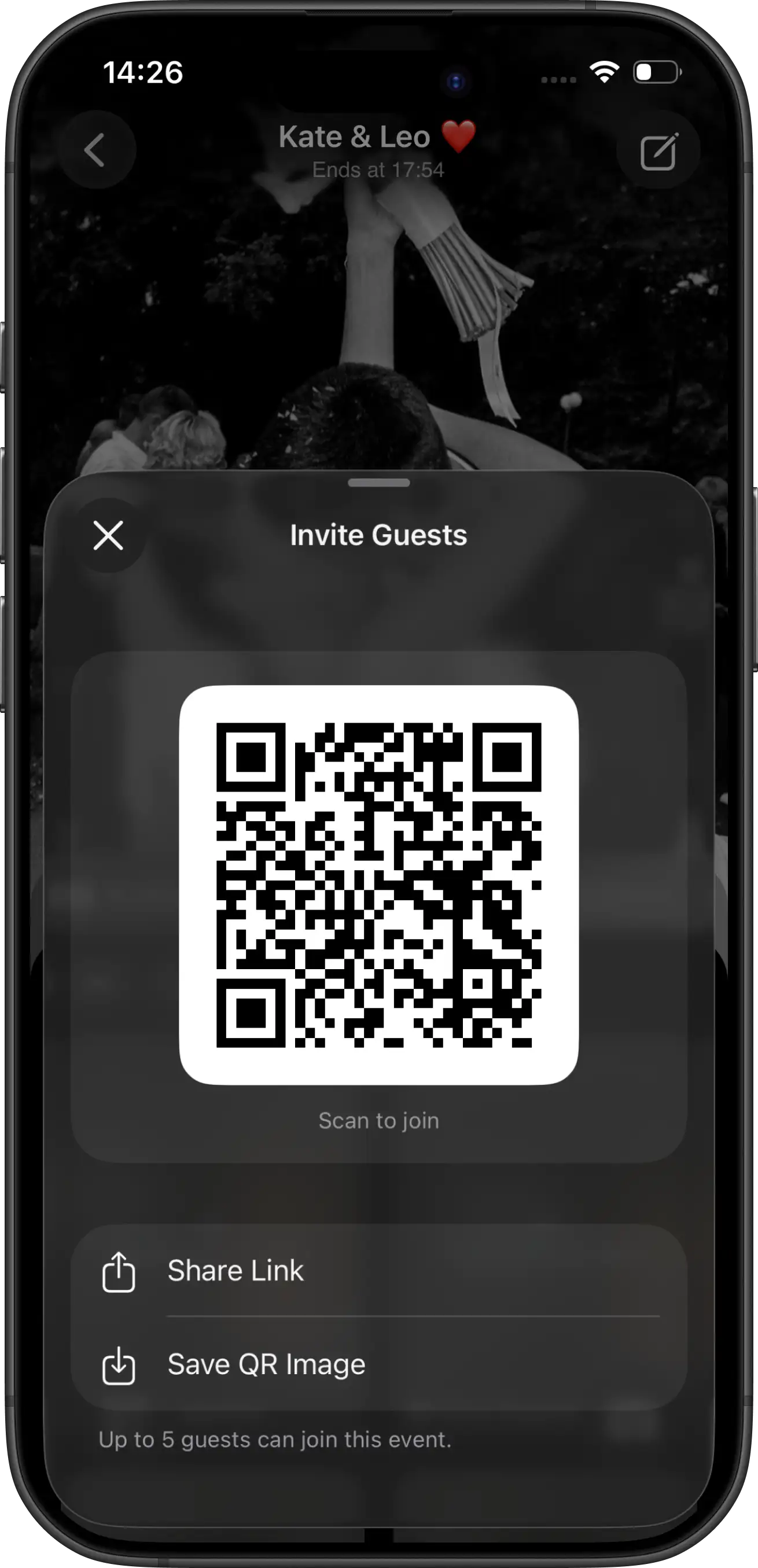
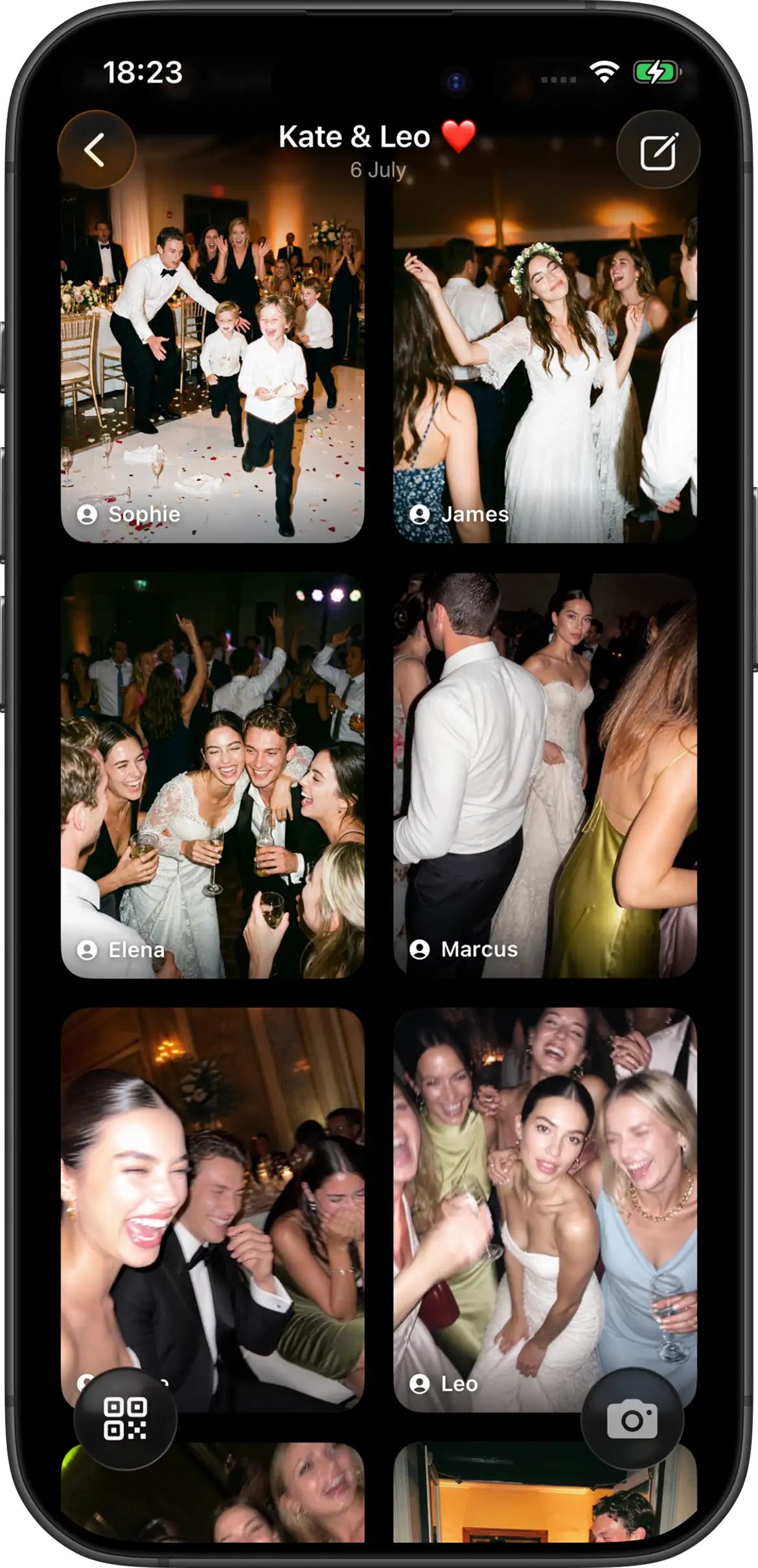
A QR invitation works best when you want one shared event gallery that guests can join on the day. It creates a direct action: scan, shoot, contribute now.
In other words, hashtag is mostly for discovery and social sharing. QR is for structured collection.
Why hashtags underperform as a collection system
- Not everyone posts publicly.
- Some guests never post at all, even if they took great photos.
- Photos get scattered across platforms and message threads.
- You usually do not get one clean event gallery with consistent context.
None of this means hashtags are bad. It means they are unreliable if you depend on them as your primary photo collection method.
Why QR photo sharing tends to collect more
QR invitation flows lower friction at the exact moment people are already taking photos. The guest sees a table card, scans, joins, and contributes without a follow-up task later.
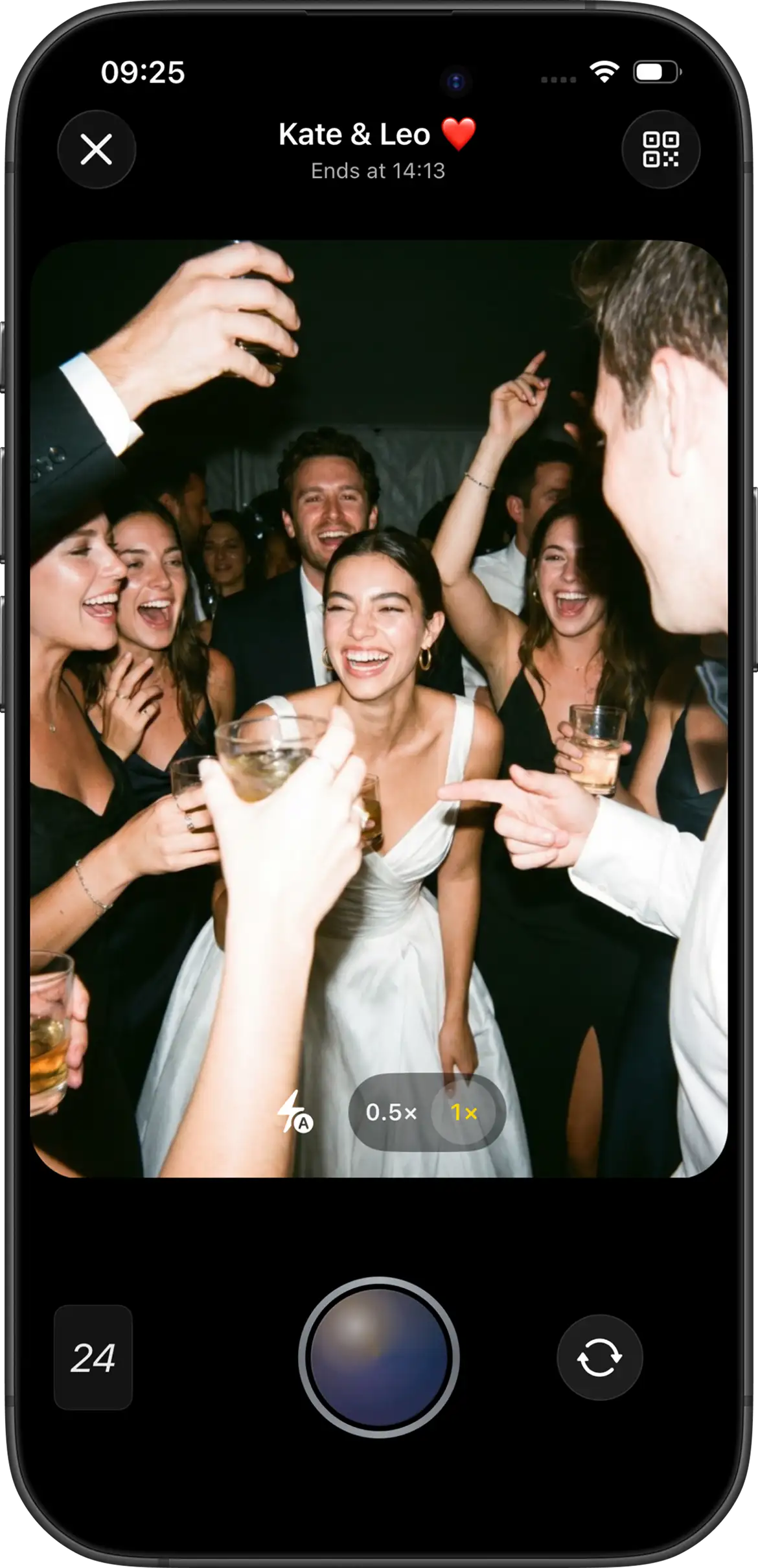
With Join Camera, hosts configure shot limits, reveal timing, and a single event experience. Guests can take shots without accounts. iPhone guests can join via App Clip from the QR code or link; Android guests join from the same invite in the Join Camera app.
Wedding hashtag vs QR code: side-by-side
| Factor | Hashtag | QR event invite |
|---|---|---|
| Primary use | Public social sharing | Private event collection |
| Coverage | Partial, post-dependent | Higher, in-moment participation |
| Gallery control | Distributed | Host-controlled event flow |
| Best role | Secondary social layer | Primary collection system |
Recommended setup: use both without confusing guests
- Put one clear QR action on table cards: Scan to take your wedding shots.
- Add hashtag text as optional: Posting on social? Use #YourTag.
- Give one short DJ/MC mention so guests know the workflow.
- Decide reveal timing in advance (instant or delayed reveal).
This avoids the common failure mode where guests are unsure whether they should upload, post, or both.
Final verdict
If you must choose one system for collecting guest photos, choose QR-based event sharing. If you also enjoy social posting culture, keep the hashtag as an optional layer. Treating them as complementary tools gives you better coverage and less post-wedding chasing.